FAQs - Frequently Asked Questions
How often are these guidelines updated?
These guidelines are live and subject to change as and when feedback is received from stakeholders and partners.
Who should be using these guidelines at Radio Stations?
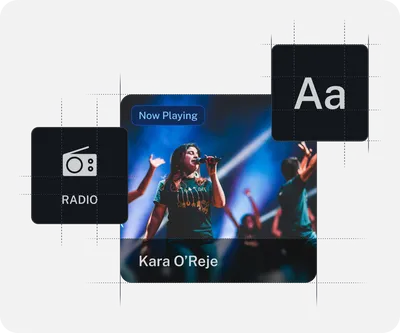
Product Managers, Visual Designers and Broadcast Technology. These guidelines explain how to author content for vehicle radios, and how to activate functionality and signalling to enhance the user experience. Drivers should get an enhanced experience of radio, beyond basic 'audio + frequency'
Who should be using these guidelines at Vehicle Manufacturers?
Product Managers, UX Designers and Radio Engineering. The guidelines explain how to present radio functionality to drivers, allowing for adaptation to the house design scheme, and functionality supported by the hardware. Drivers should find the presentation familiar and easy to use.
Who's producing these guidelines?
These guidelines are produced by the WorldDAB In-Car User Experience Group - a collaboration between broadcasters, leading car manufacturers and in-car technology providers. This work is supported by consumer research. The guidelines are intended to assist broadcasters and manufacturers to design an in-vehicle experience of radio that is, consistent in functionality and behaviour, easy and enjoyable for the driver to use and integrates radio seamlessly into a modern in-vehicle media environment.
Who are WorldDAB and RadioDNS?
WorldDAB is the not-for-profit membership organisation that delivers tailored solutions and advice on all aspects of the switch from analogue to digital radio including regulation, licensing, technical trials, network build out, marketing and production of new digital radio content. RadioDNS is the not-for-profit membership organisation that publishes technical standards to seamlessly combine broadcast and IP in the connected vehicle to make a better experience of radio for the driver