

Station Logo
The station logo is a critical element in presenting your station correctly. Take the time to design each version thoughtfully.
Provide your logo in a variety of sizes and formats to work across different vehicle designs:
| Width (px) | Height (px) | Format | Use |
|---|---|---|---|
| 32 | 32 | PNG | ”Favicon” - usually used in station lists |
| 112 | 32 | PNG | ”Rectangular” - usually used in station lists |
| 128 | 128 | PNG (for DAB) PNG or JPEG (for IP) | Thumbnail |
| 320 | 240 | PNG (for DAB) PNG or JPEG (for IP) | Medium display |
| 600 | 600 | PNG or JPEG | Large display |
Design for legibility
Section titled “Design for legibility”Check your logo works on both dark and light backgrounds.
Treat each size independently rather than simply resizing or cropping. For example, create an appropriate icon for the smallest sizes, and don’t include additional text like straplines on the thumbnail versions.
Good: Well-designed logo variations
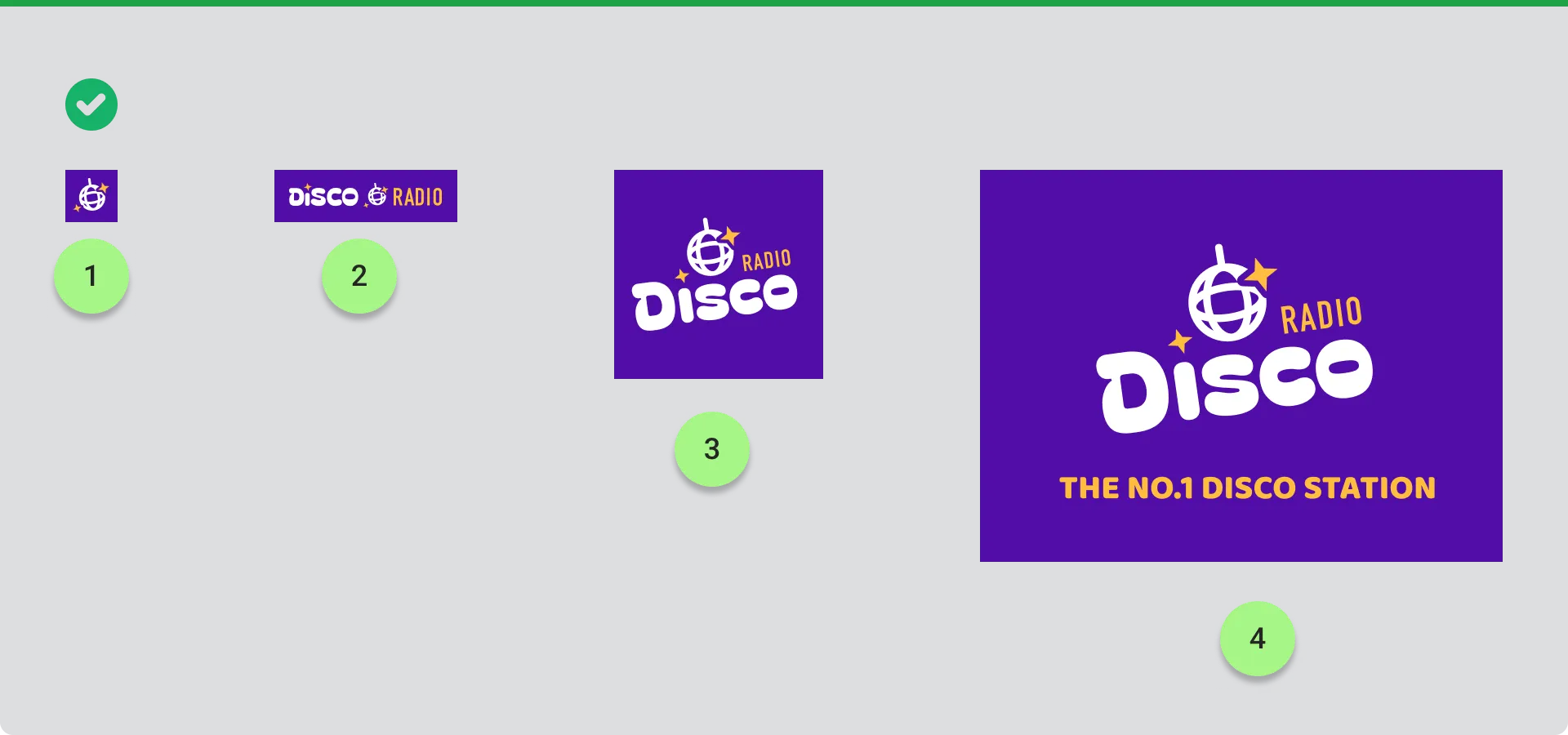
- Favicon (32x32px) - Simple icon without text
- Rectangular (112x32px) - Logo with text in horizontal format
- Thumbnail (128x128px) - Square logo with simplified text
- Large (600x600px) - Full logo with tagline
Avoid: Poor logo variations
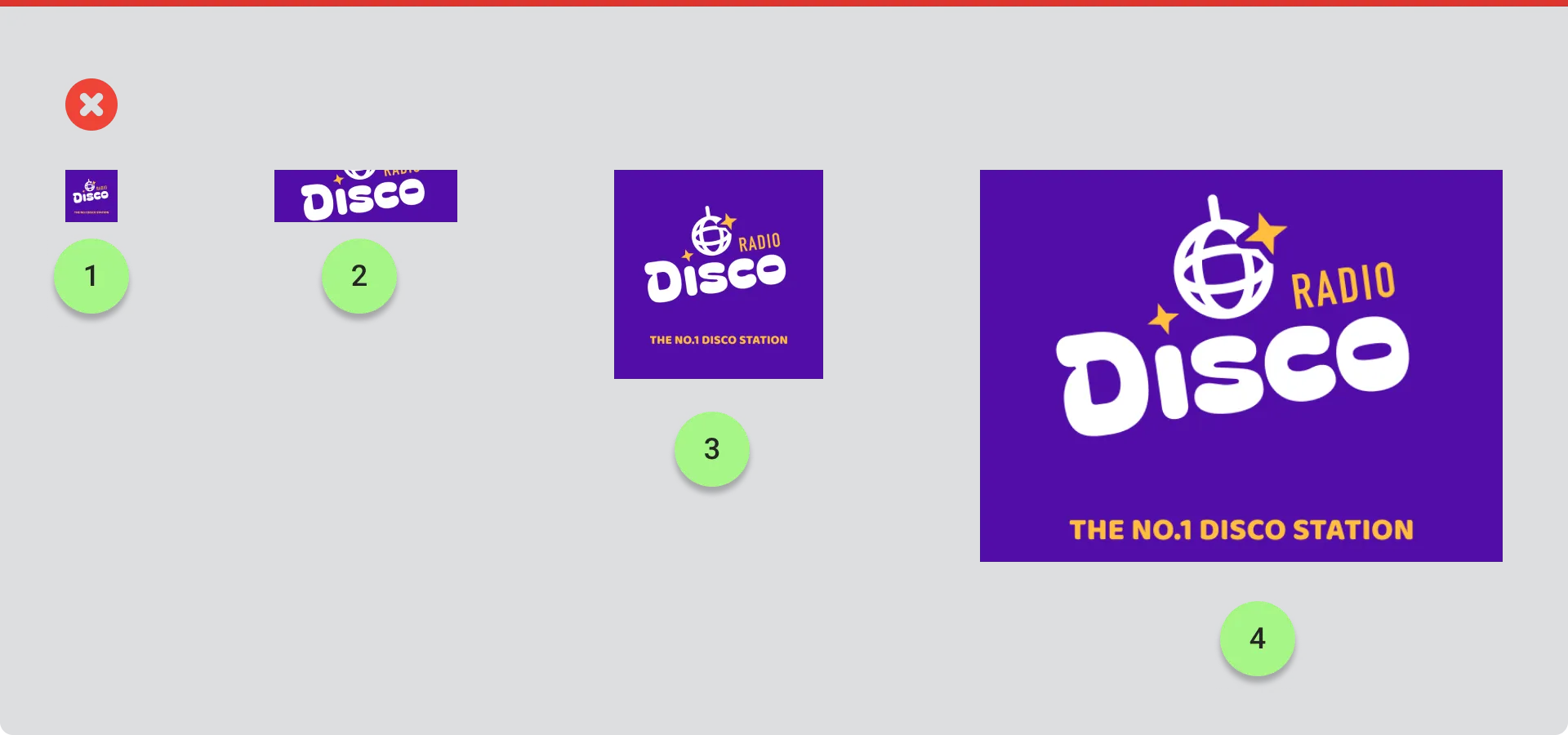
- Favicon - Logo too complex, text unreadable at small size
- Rectangular - Text only without including tagline that doesn’t fit
- Thumbnail - Logo includes tagline that’s too small to read
- Large - Unnecessary additional text that clutters the design
Using transparency
Section titled “Using transparency”Only use transparency if your logo has an irregular or non-rectangular shape, and only use it at the edges of your logo.
Good: Logo with background
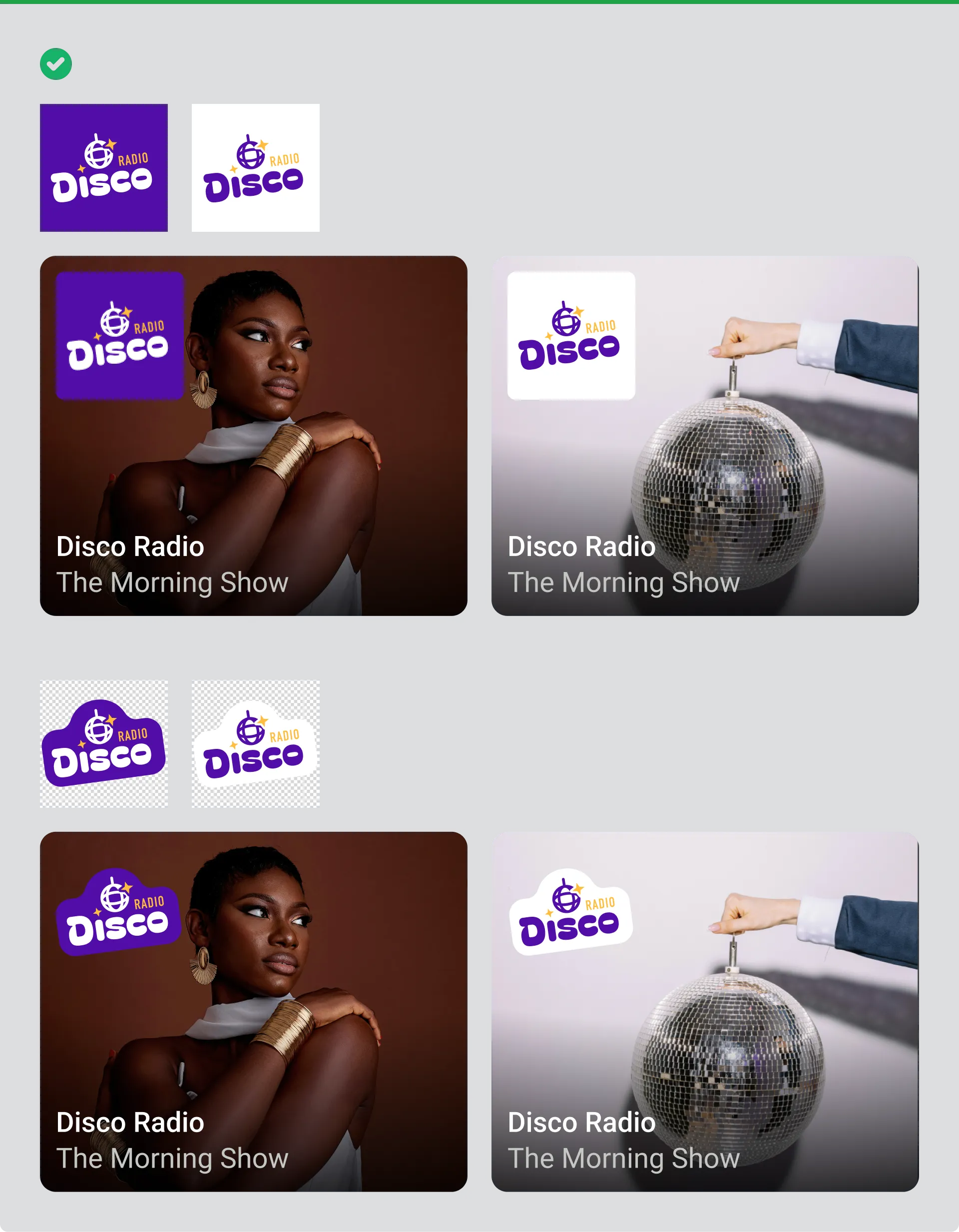
Logo includes a solid background colour, ensuring it remains visible on any interface background.
Avoid: Logo without background on transparent layer
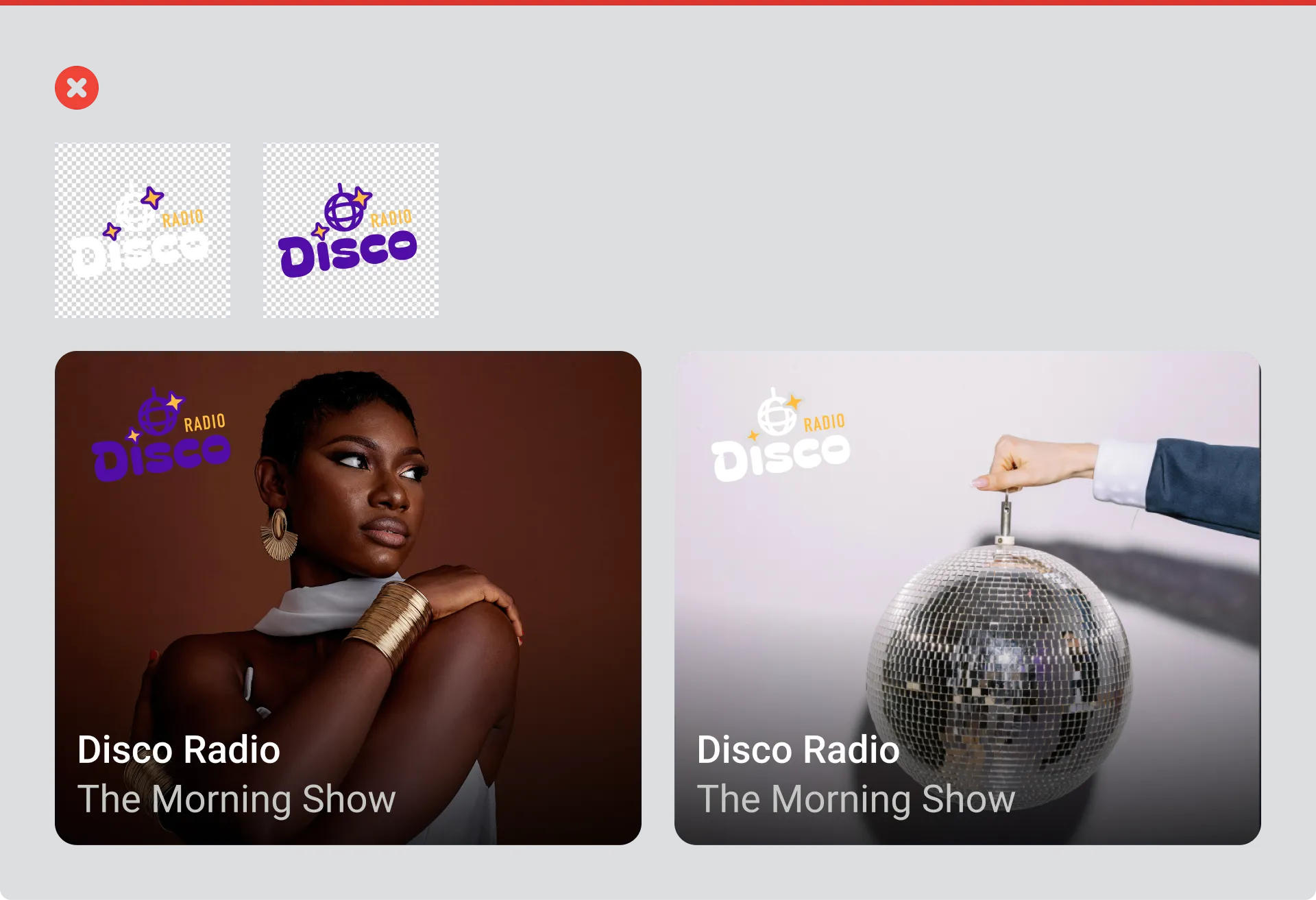
Logo uses transparency without a background, which can become invisible or hard to read depending on the interface background colour.
Think about margins too. Don’t assume your logo will always appear on a light or dark background, so consider including a margin on a known background colour.
Where your logo appears
Section titled “Where your logo appears”Favicon in station lists
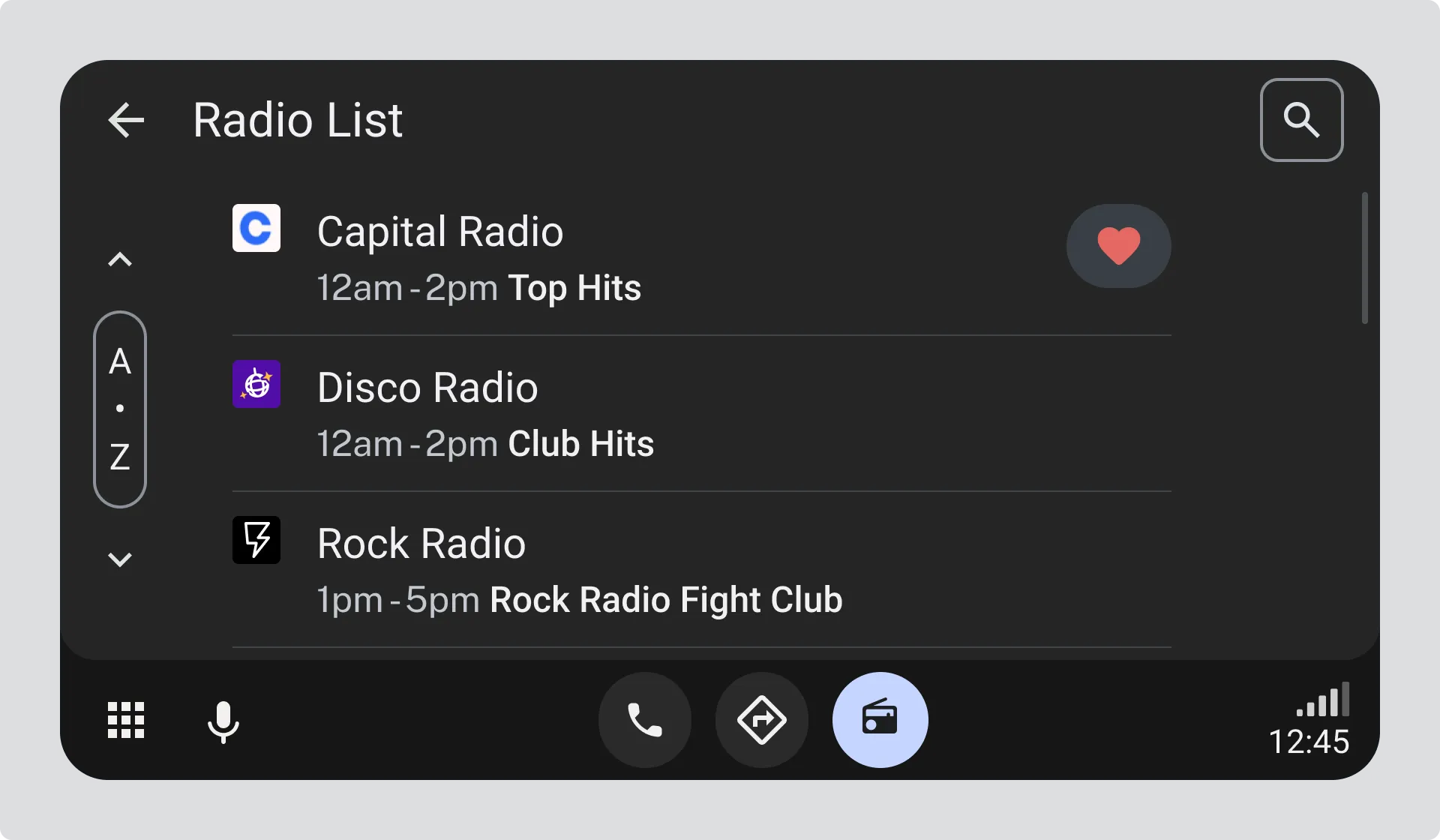
The 32x32px favicon appears in station list views, helping drivers quickly identify stations when browsing.
Rectangular logo in station lists
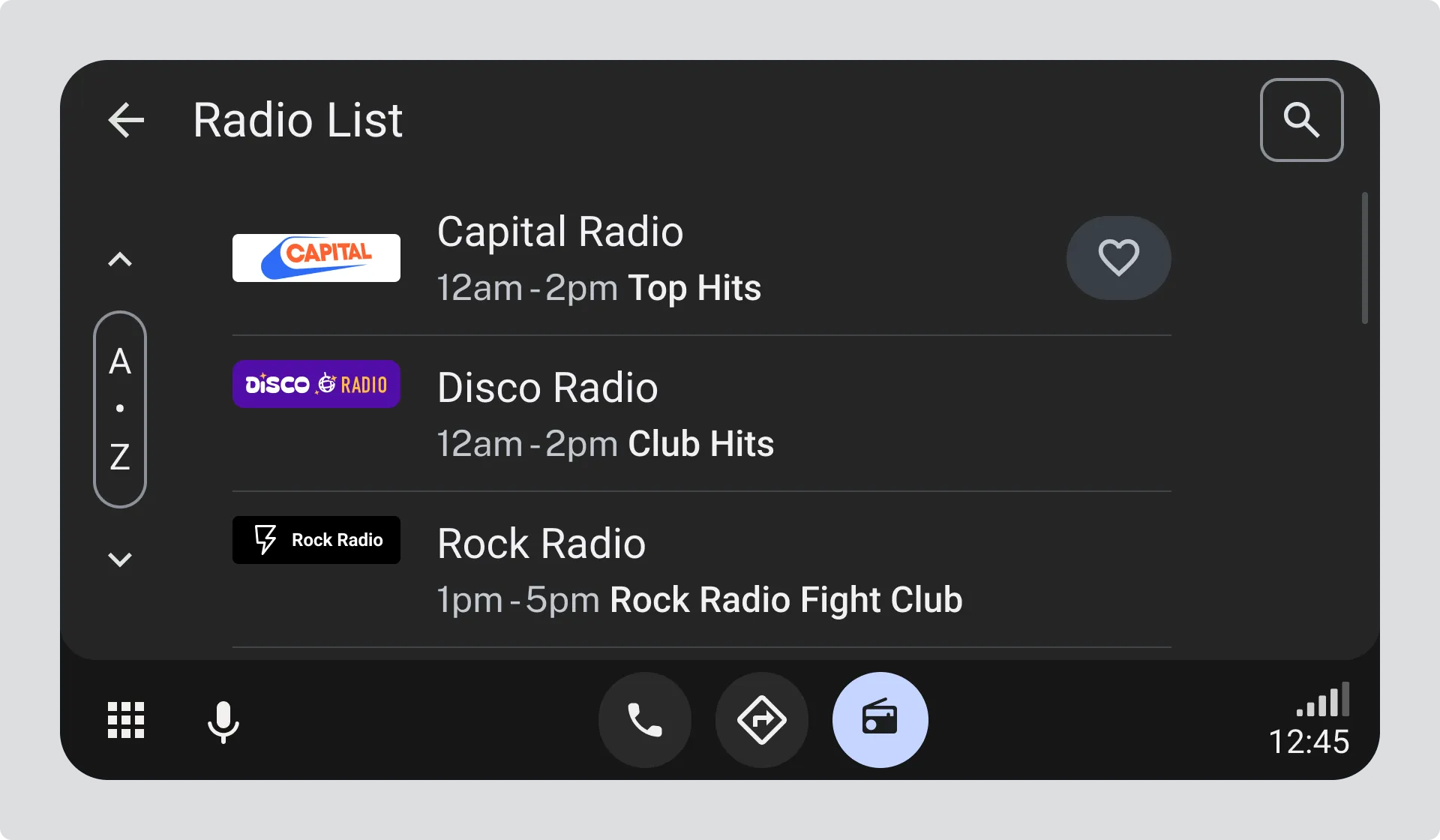
The 112x32px rectangular logo appears in station list views, providing more prominent branding while browsing.
Thumbnail in favourites
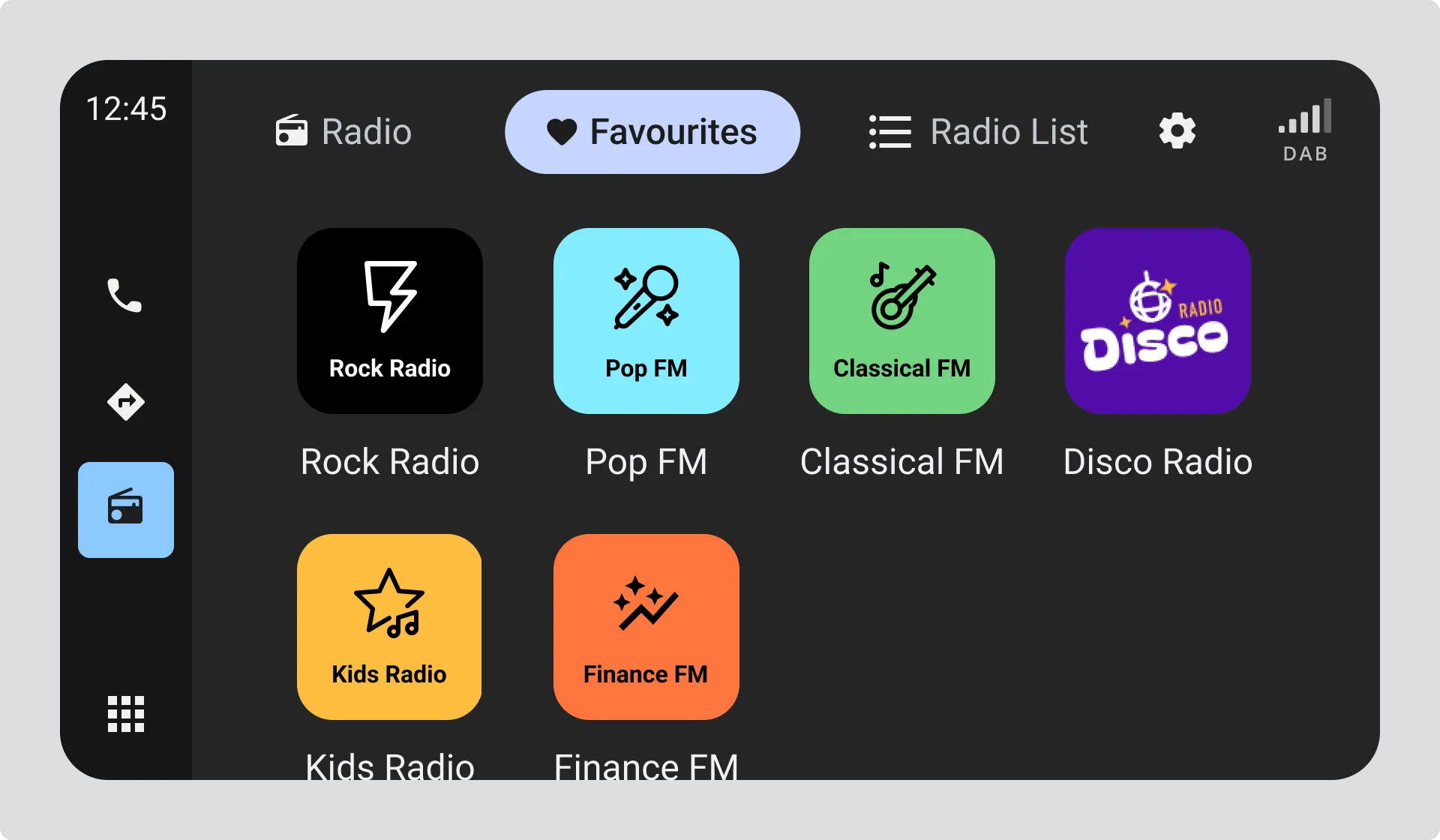
The 128x128px thumbnail appears in favourites views, where stations are displayed as larger tiles for quick access.
Thumbnail in multi-view
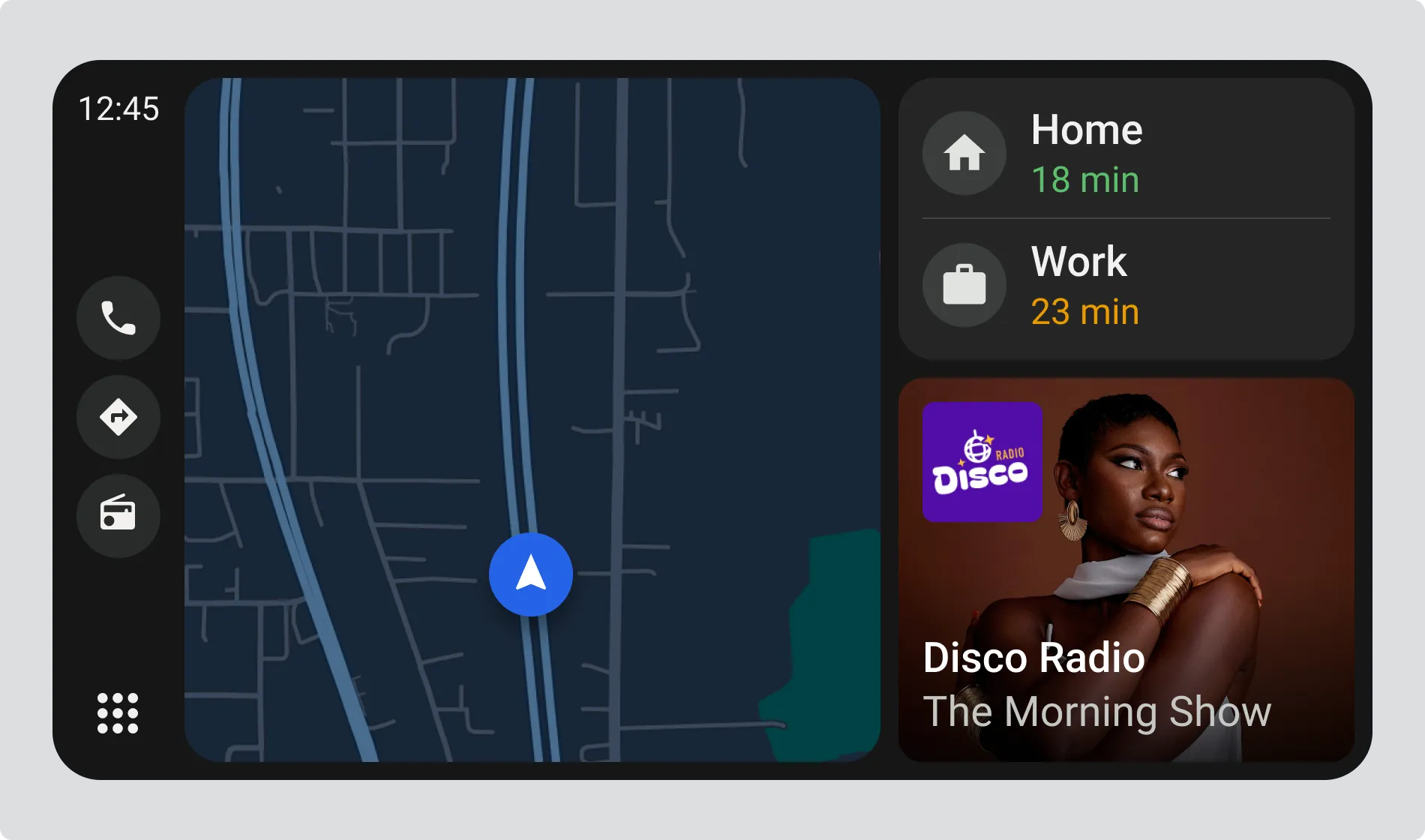
The 128x128px thumbnail appears in multi-view layouts, shown alongside navigation and other information.
Thumbnail in radio view
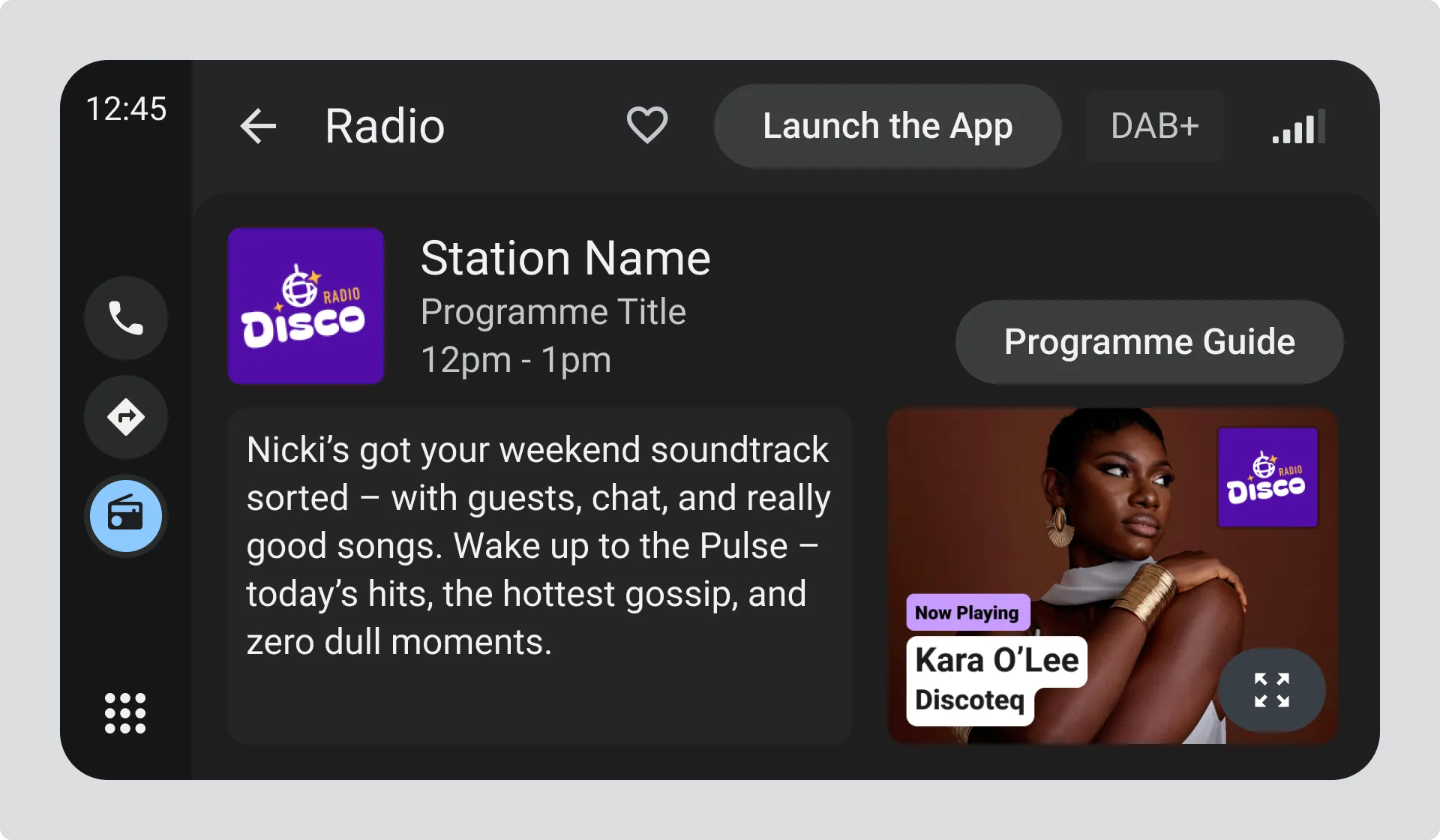
The 128x128px thumbnail appears in the main radio listening view, displayed prominently while the station is playing.
How to provide your logo
Section titled “How to provide your logo”Provide your logo using the correct standards so vehicles can discover and acquire it automatically. If you don’t, manufacturers may use unofficial and inaccurate sources.
You can provide your logo through:
- DAB SPI where your logo is transmitted by the DAB ensemble that broadcasts your station
- RadioDNS SPI where your logo can be acquired over the internet by connected vehicles
See the Appendix for which fields define the station logos.