

Interface Size and Resolution

Designing the In-Car Radio Experience
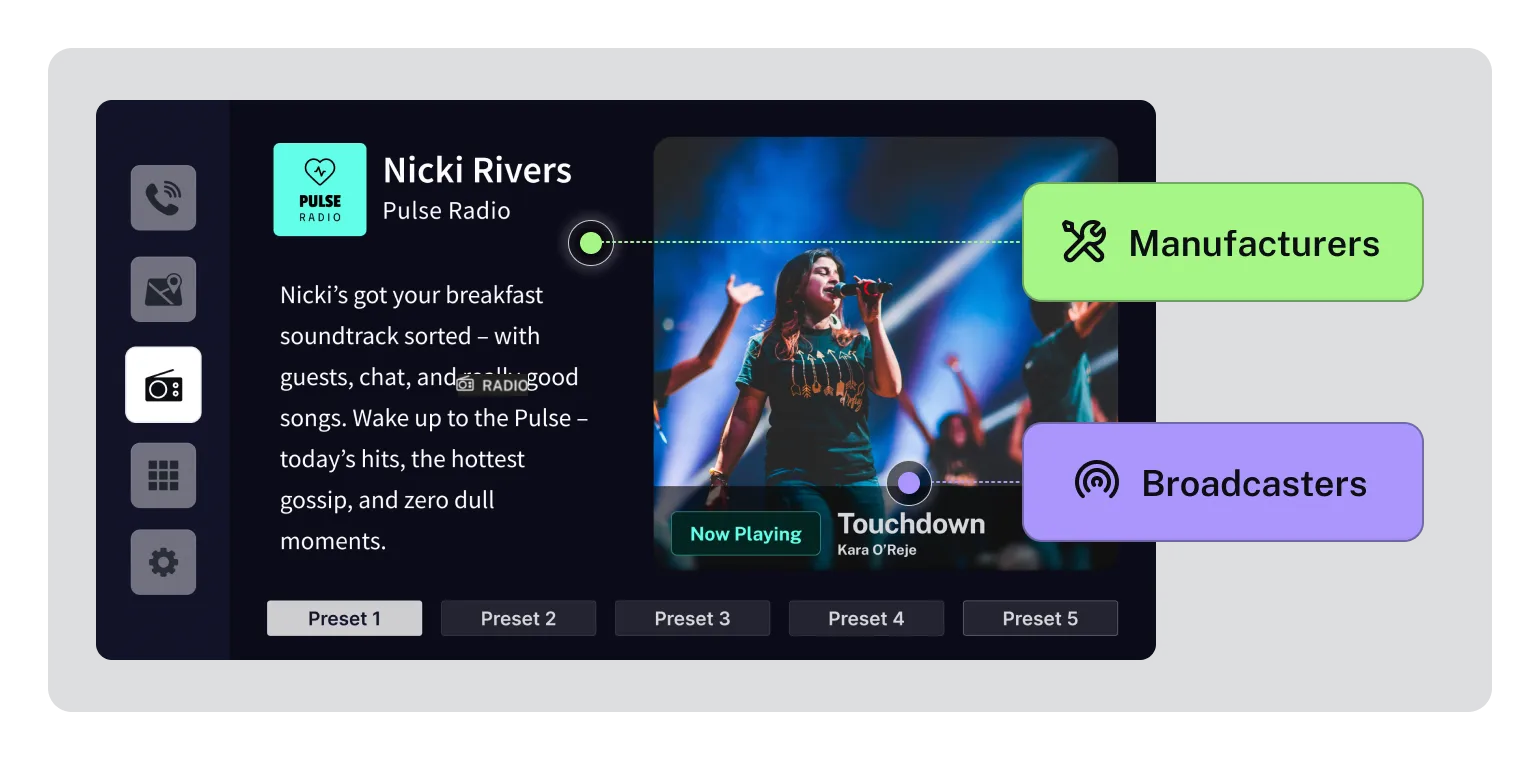
Section titled “Designing the In-Car Radio Experience”Manufacturers are responsible for the Human-Machine Interface (HMI) and must ensure radio content is displayed clearly, consistently, and safely. The interface must support fast recognition, familiar interaction patterns, and compliance with accessibility and legibility standards.
When writing these guidelines, we considered these points:
Context for Implementation
Section titled “Context for Implementation”- Each vehicle manufacturer will design their own HMI, so the guidelines enable designers to use best practices so the house style can be implemented without loss of legibility or usability.
- Broadcasters and manufacturers must both follow the guidelines to make sure the experience is consistent and works as expected
- The UX should be designed for ease of use for the driver and should align with existing driver understanding of how “radio” works in vehicles - using familiar actions and icons
- With more information on screens, more guidance is required on how to design, present and update content to drivers
Legibility
Section titled “Legibility”If content isn’t legible, the driver will struggle to understand it.
Broadcasters -broadcaster icon-
- must design content for legibility and relevance
Manufacturers -manufacturer icon-
- receivers must optimise the display of content for legibility
To achieve this, there must be mutual understanding/design of display environments
Common Interface Design Mistakes
Section titled “Common Interface Design Mistakes”- Allowing background detail to compete with text or icons.
- Placing text or symbols directly on photographic or patterned areas.
- Using bright or high-contrast backgrounds that reduces legibility.
- Failing to apply overlays or tonal separation to support readability.
- Placing white text on light backgrounds that don’t meet accessibility guidelines.
- Designing backgrounds that attract attention instead of supporting content.
Relevance
Section titled “Relevance”Providing content that isn’t useful to the driver is annoying
Broadcasters -broadcaster icon-
- must provide content that is unique and helpful to the driver.
(for example, do not cycle through the station name and current date and time, as those elements are already visible in the HMI)
Manufacturers (manufacturer icon-
- receivers should update content so it is legible without needing the driver to interact with it
Update Frequency
Section titled “Update Frequency”Updating content unnecessarily is annoying for the driver.
Broadcasters -broadcaster icon-
- must update content only when relevant and necessary, and not more frequently than every 20 seconds
Manufacturers -manufacturer icon-
- receivers can block updates that are sent more frequently than every 20 seconds
Familiarity
Section titled “Familiarity”Use established visual cues and behaviours
Manufacturers -manufacturer icon-
- provide for familiar actions, icons and navigation - for example, set presets by “push and hold” or “star”, list stations alphabetically,