

Integration with Android Auto and Apple Carplay
Accessing radio from Android Auto and Apple CarPlay
Section titled “Accessing radio from Android Auto and Apple CarPlay”Drivers using projection systems such as Android Auto or Apple CarPlay will need to access the built in radio. The switch between systems should be simple, clear, and easy to understand.
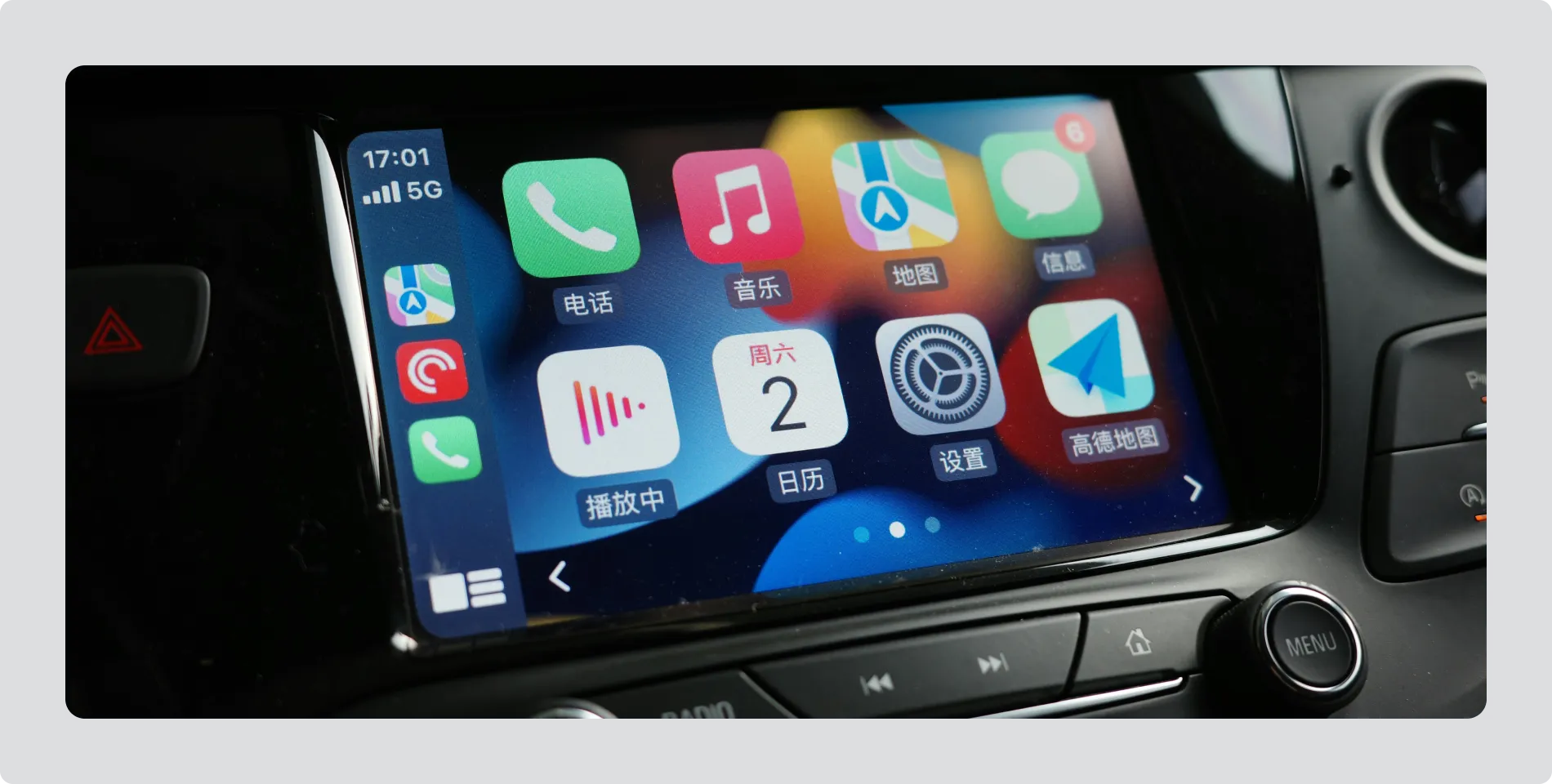
Image: Example of Apple CarPlay interface with built-in radio access
Limit steps to enter radio
Section titled “Limit steps to enter radio”- Accessing radio from a projection system should take no more than two actions.
Make the return to Android Auto or Apple CarPlay obvious
Section titled “Make the return to Android Auto or Apple CarPlay obvious”- When radio is active, include a clear and visible way to return to Android Auto or Apple CarPlay, such as a persistent icon or a clearly labelled soft key.
The goal is for drivers to move between systems confidently, without thinking about how the interface is organised.