

Quick Access to Radio
Keep Radio Within Easy Reach
Section titled “Keep Radio Within Easy Reach”Make it easy for users to find the radio functionality.
It’s really important for drivers to have a simple, short journey to access their radio, regardless of where they are in the HMI.
Hardware Button
Section titled “Hardware Button”The simplest access is always the safest. Include a dedicated Radio button on the console that switches the HMI context directly to the radio screen - no menus, no extra taps.
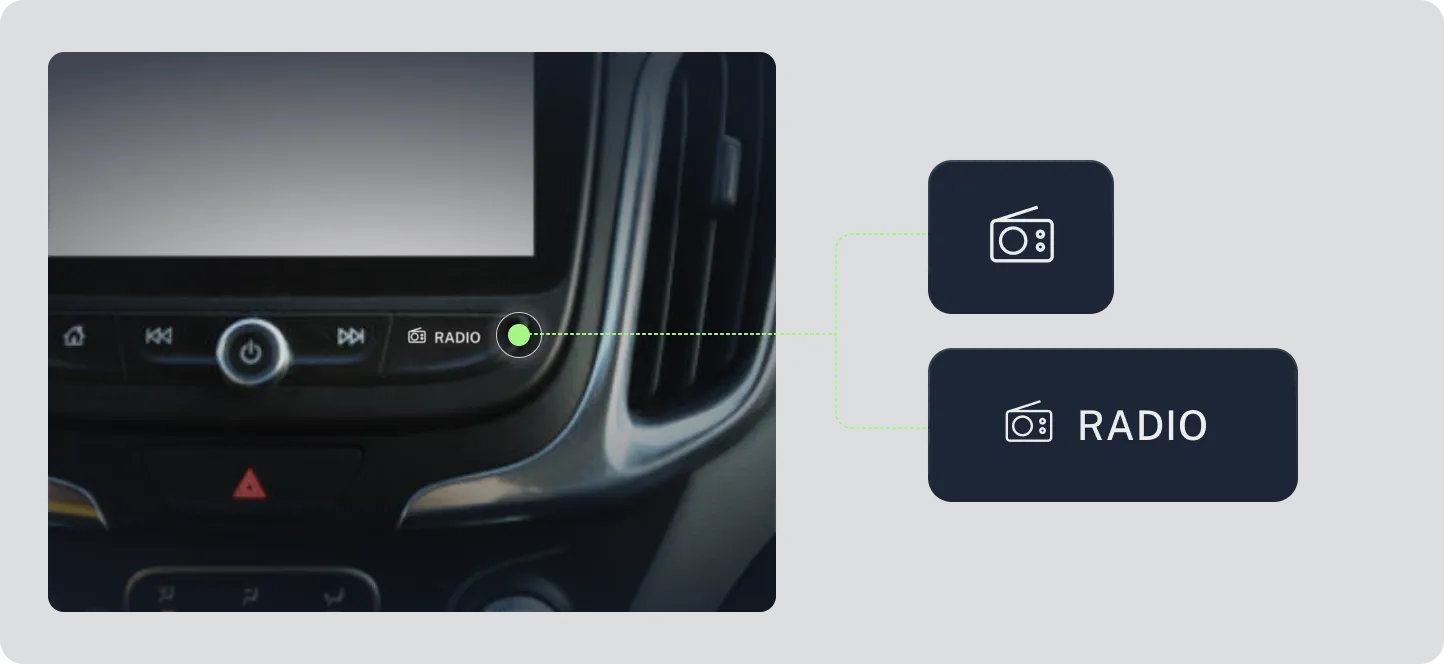
Image: Example of a physical Radio button on the console
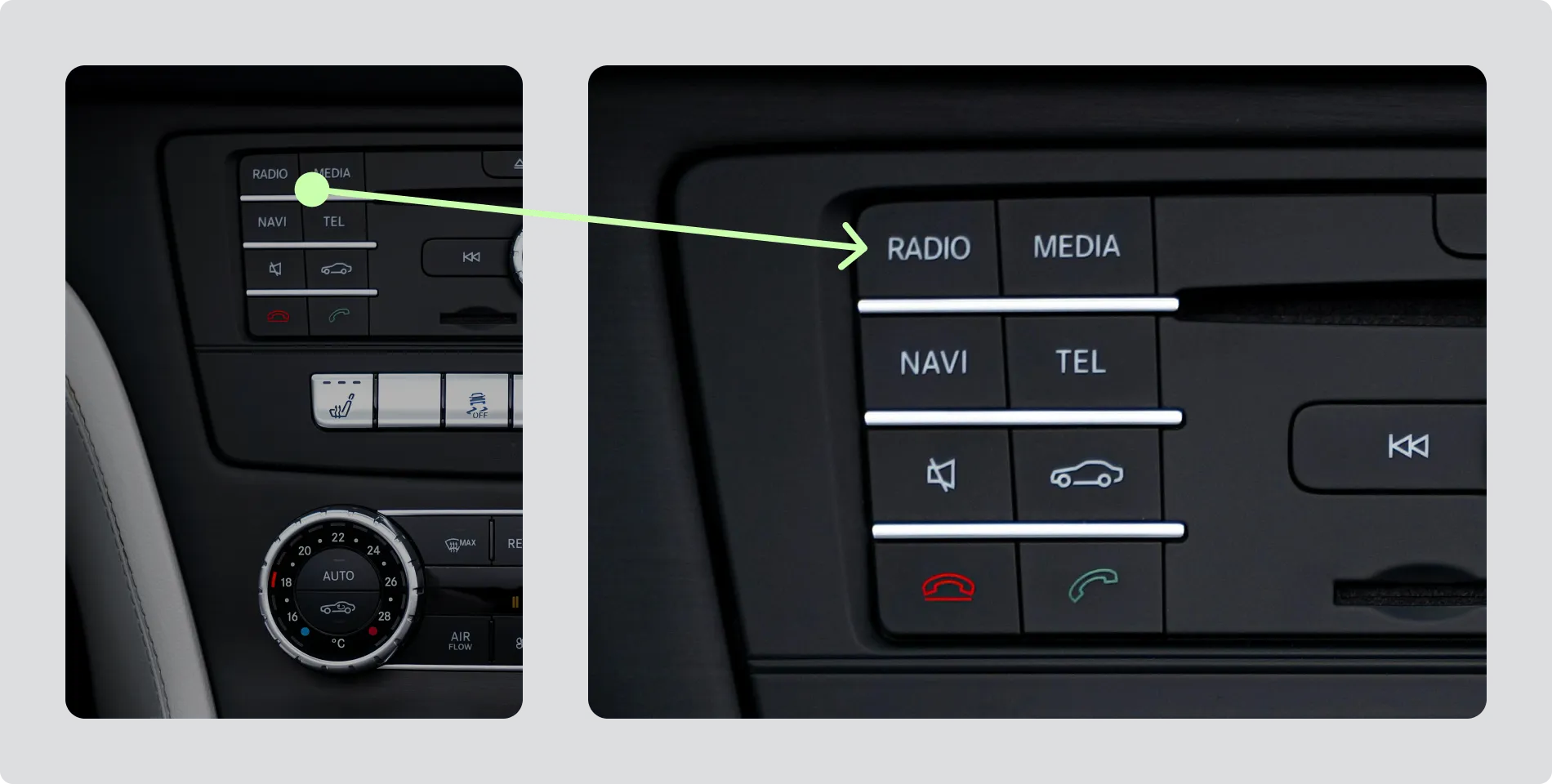
Image: Example of a physical Radio button on the console
A persistent on-screen soft key
Section titled “A persistent on-screen soft key”If there’s no physical button, include a clearly labelled Radio soft key that appears consistently across all screens. It should always lead directly to radio functionality.
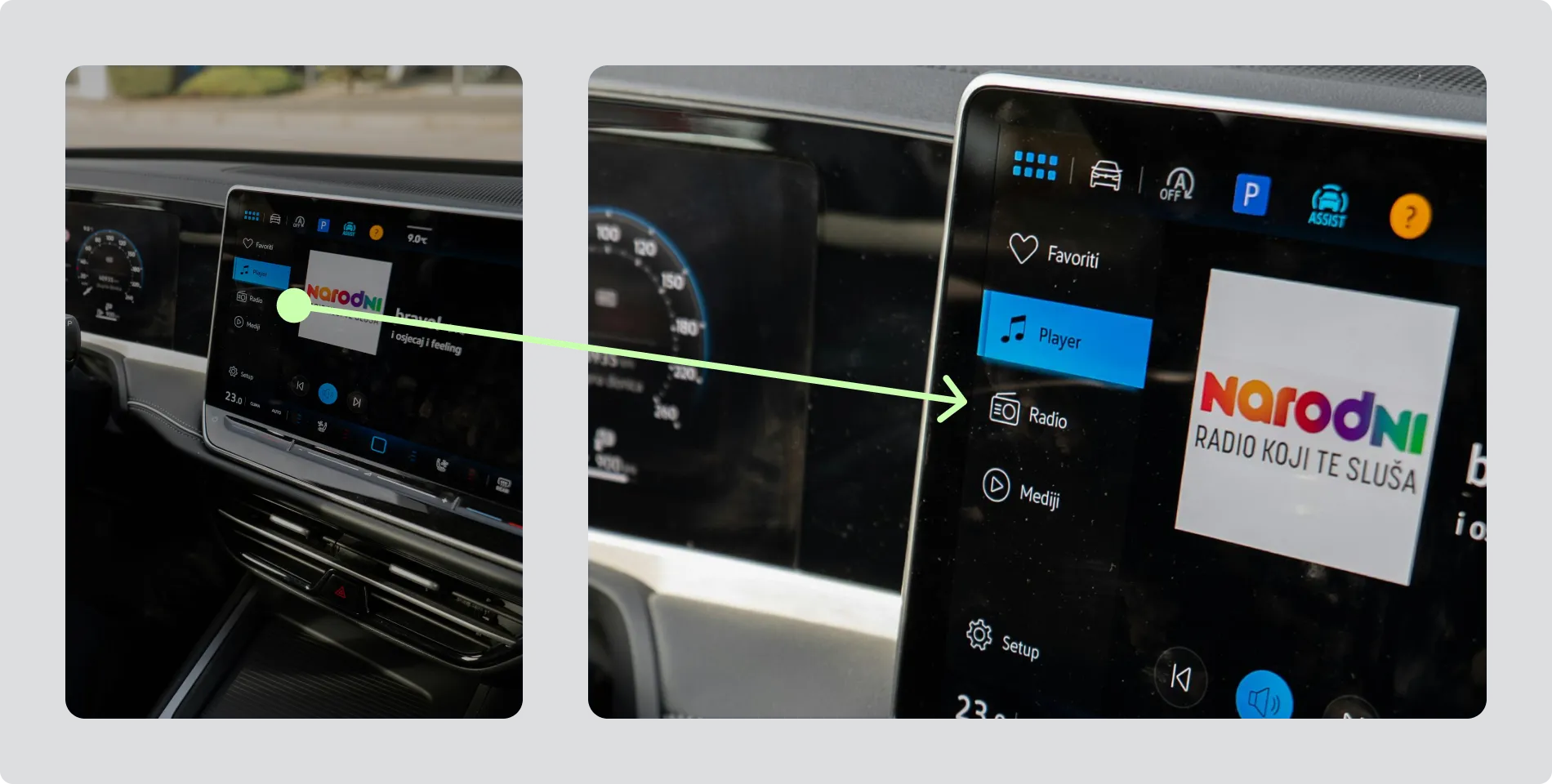
Image: Example of a persistent Radio soft key on the screen
Keep the Route Short and Familiar
Section titled “Keep the Route Short and Familiar”If direct access isn’t possible, make sure the user can still reach radio through a clear, intuitive path — ideally no more than two actions. Example:
flowchart LR
    Home --> Media --> markdown[Radio]