

Presets and Favouriting
Presets and favourites should make it effortless for users to return to the stations they listen to most. These interactions must feel familiar, predictable, and consistent across the radio interface so they work without explanation.
Creating a Preset for a Radio Stations
Section titled “Creating a Preset for a Radio Stations”Preset buttons may be physical controls or on screen soft keys. Their behaviour should follow long established radio conventions so users know what will happen without looking.
Physical Hard keys or buttons
Section titled “Physical Hard keys or buttons”Preset buttons displayed as numbered keys or buttons, clearly labelled and easy to reach.
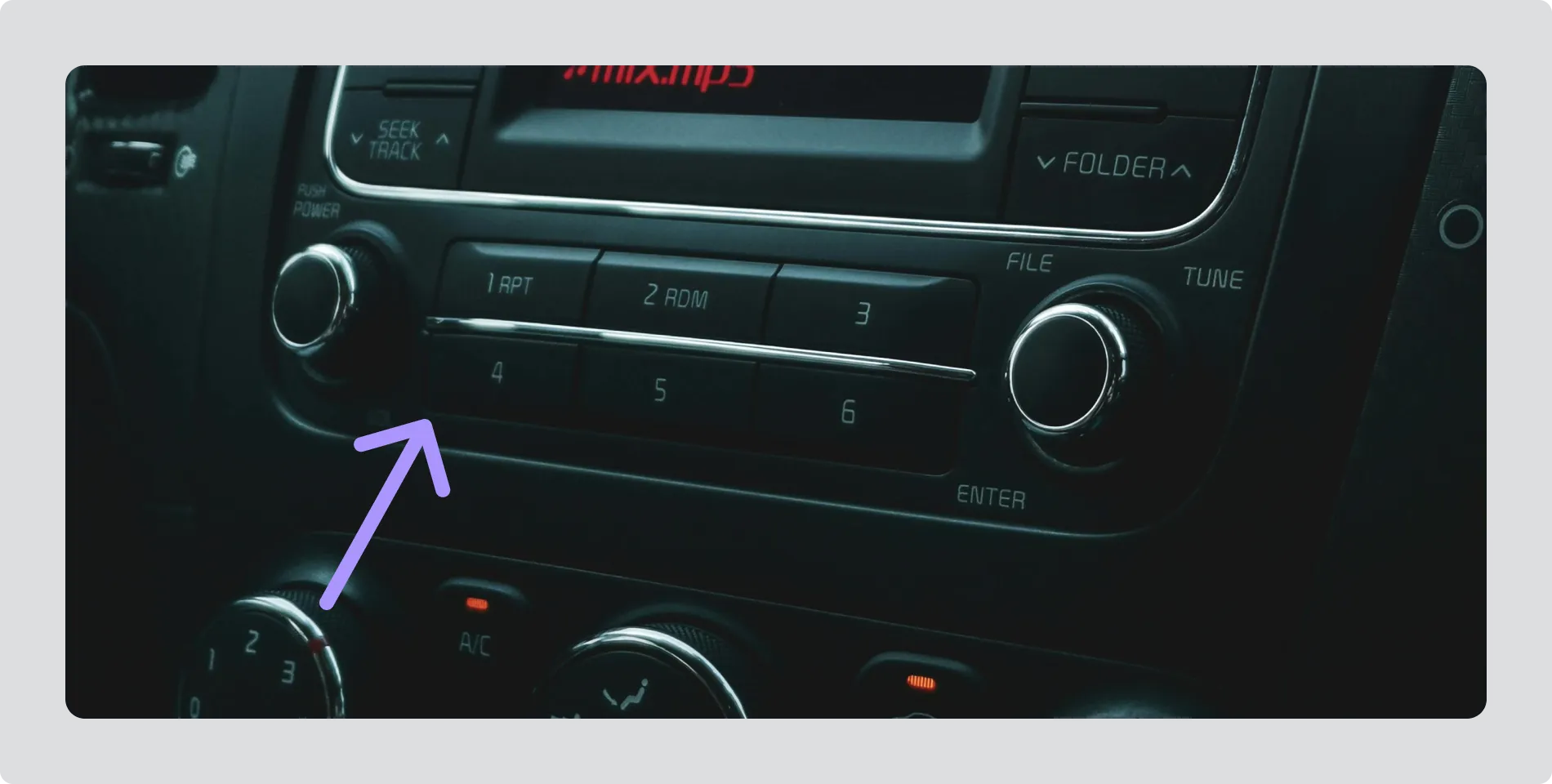
How preset buttons work
Section titled “How preset buttons work”-
Press the key briefly to recall the saved radio station. The station should begin playing immediately.
-
Press and hold the key to save the currently tuned radio station to that preset. Provide clear visual or audible feedback to confirm the station has been saved.
Favouriting stations
Section titled “Favouriting stations”Favouriting provides a lightweight way for users to mark stations they enjoy, without the commitment or structure of numbered presets. It supports quick personalisation of the radio experience and helps users return to preferred content with minimal effort.
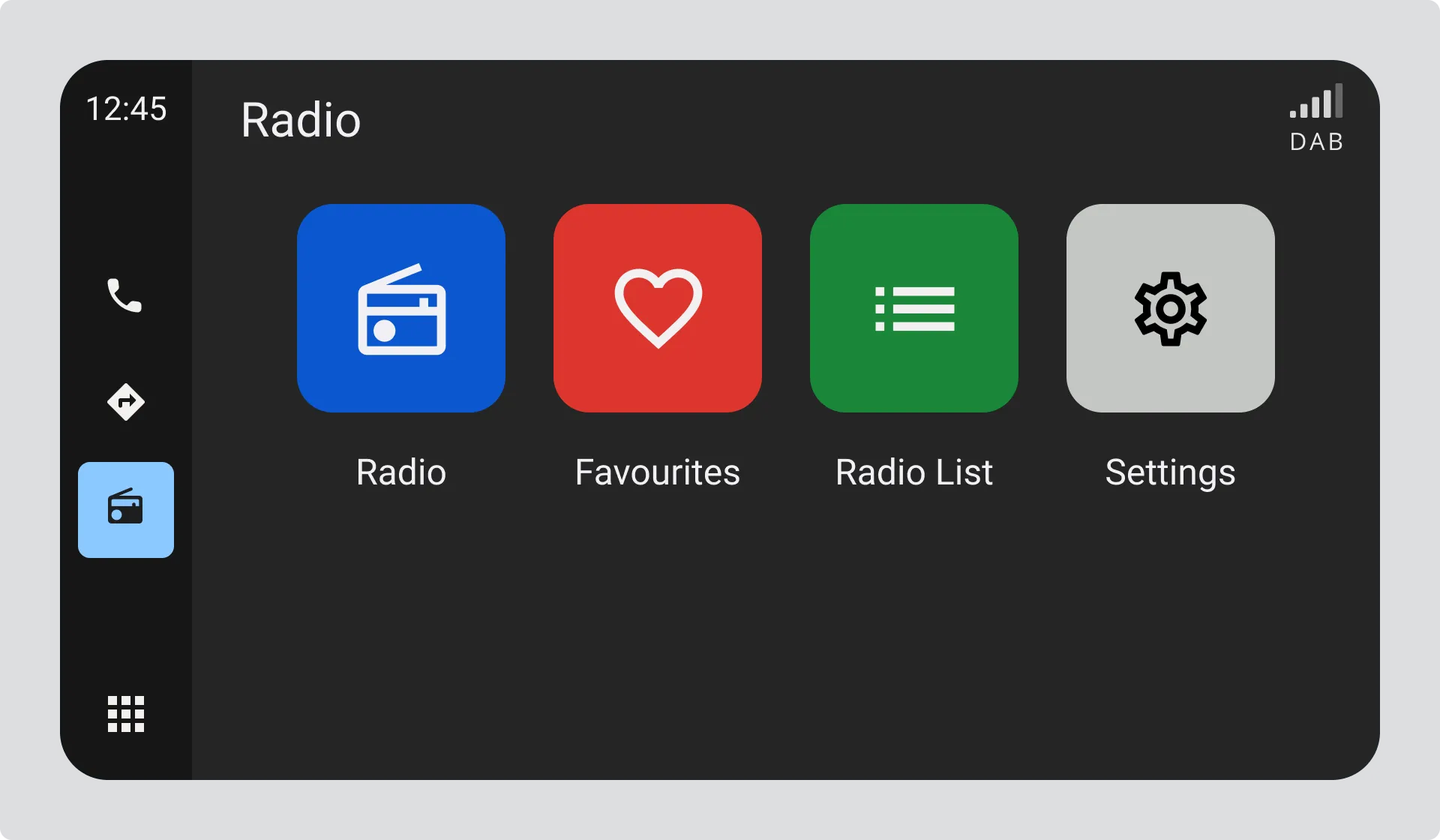
A familiar icon such as a heart or star should be used to represent the favourite state. This icon should appear consistently wherever stations are shown, such as in station lists and the now playing view, so users can recognise and manage favourites from multiple entry points.
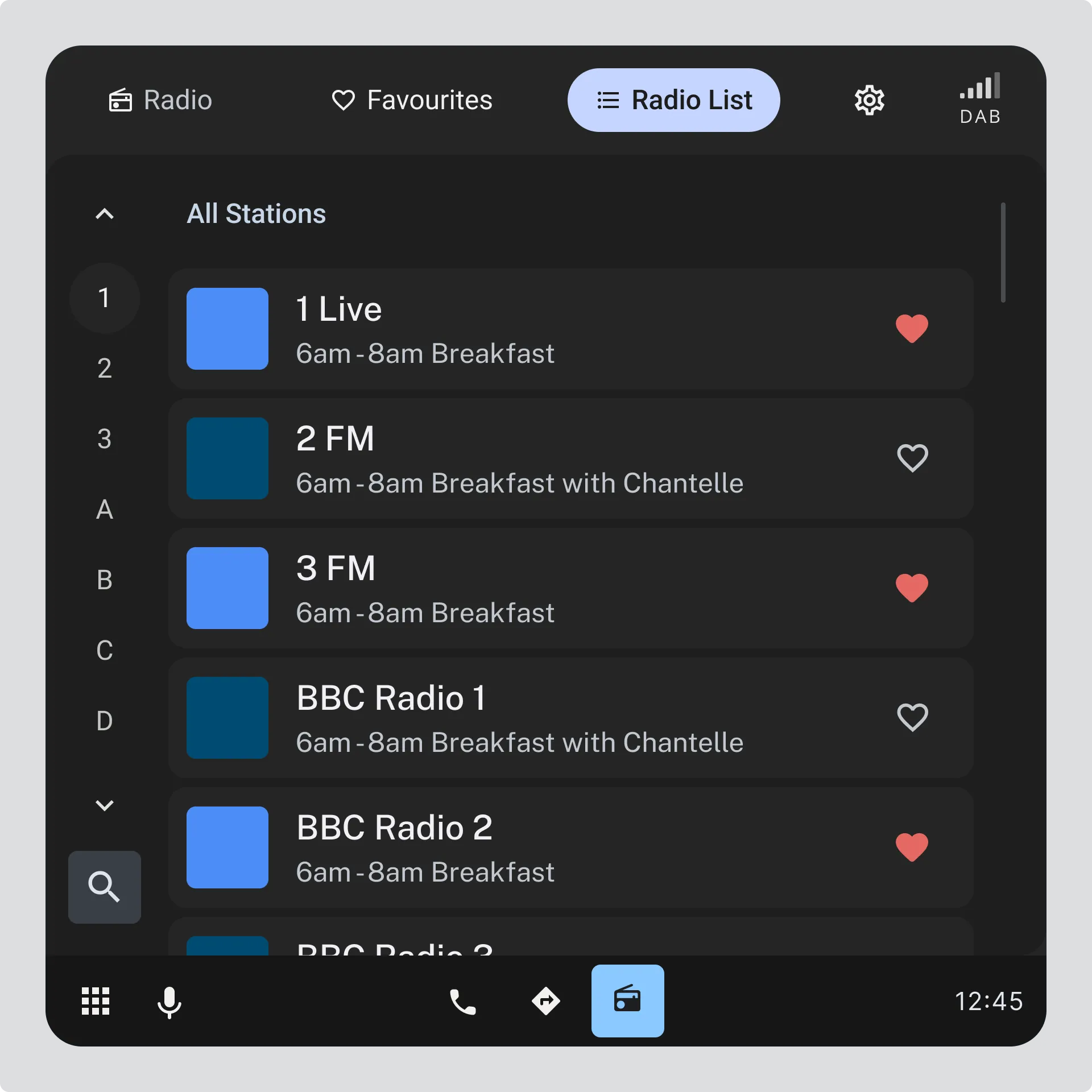
Users should be able to filter the station list to show only their favourite stations. This reduces scrolling, simplifies navigation, and makes it easier to select stations while driving.
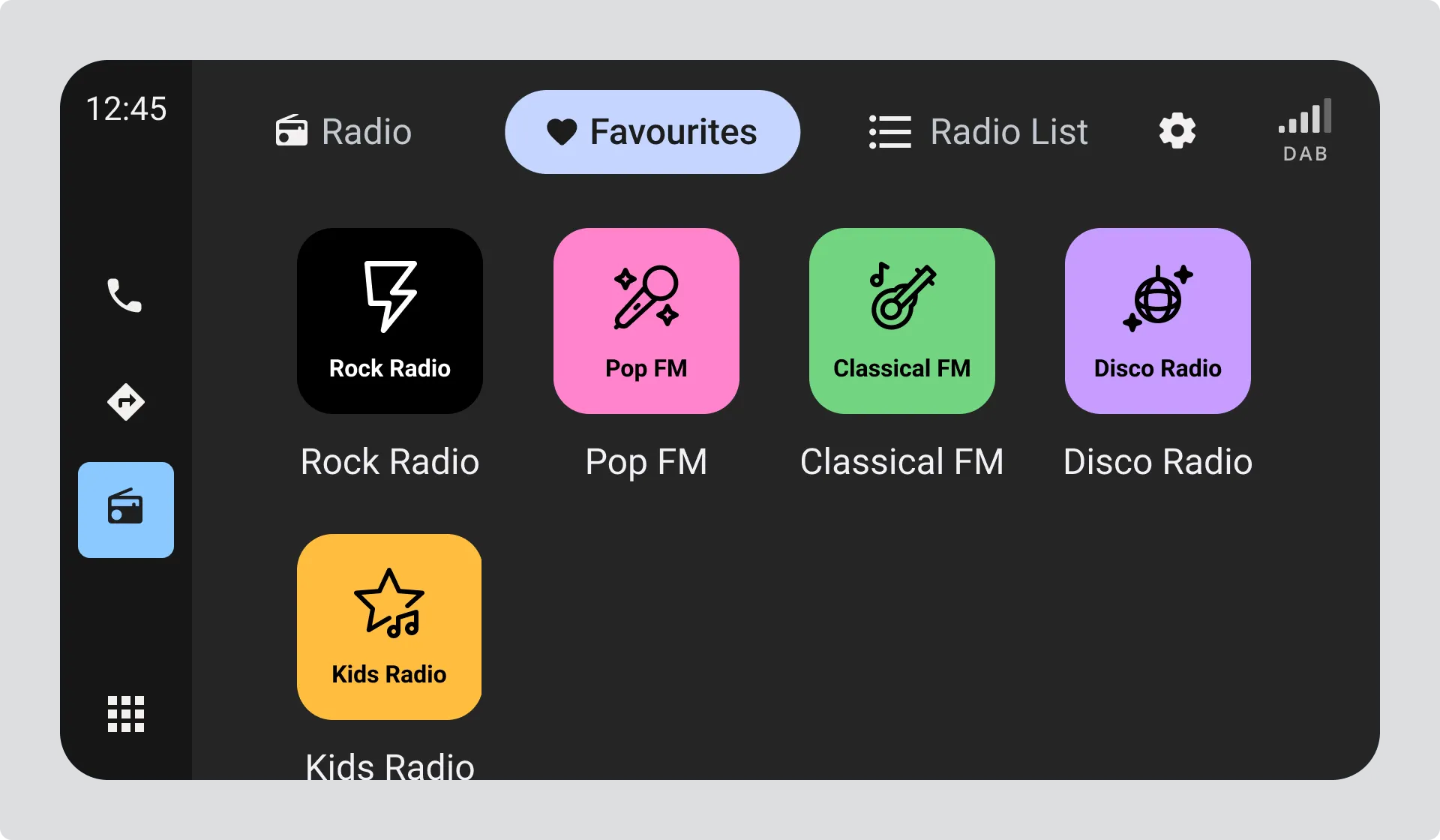
The favourite state should persist across sessions so users do not need to re mark stations each time they return to the radio.
Key considerations for favouriting stations
Section titled “Key considerations for favouriting stations”-
Do use a familiar icon such as a heart or star so the meaning is immediately clear.
-
Do allow users to favourite or unfavourite a station with a single tap.
-
Do provide immediate visual feedback when the favourite state changes.
-
Do make favourites available directly from station lists and the now playing view.
Don’t:
Section titled “Don’t:”-
Don’t use unfamiliar or abstract icons to represent favourites.
-
Don’t require confirmation dialogs, menus, or extra steps to change the favourite state.
-
Don’t delay, animate, or obscure the state change in a way that makes the outcome unclear.
-
Don’t remove or reset favourite stations unexpectedly, such as after signal loss or system restart.