Visual Information
Many radio stations provide a richer experience that goes beyond text, making radio more visually engaging and familiar for drivers.
When a radio station provides visual information, it should always take priority over any other source of visuals.
Slideshows and album art
Section titled “Slideshows and album art”Radio stations can send images related to what’s currently playing, whether that’s album art, show imagery, or other visuals. This feature is sometimes called “Slideshow”, “SLS”, or “Album Art”, and uses standard JPG or PNG images.
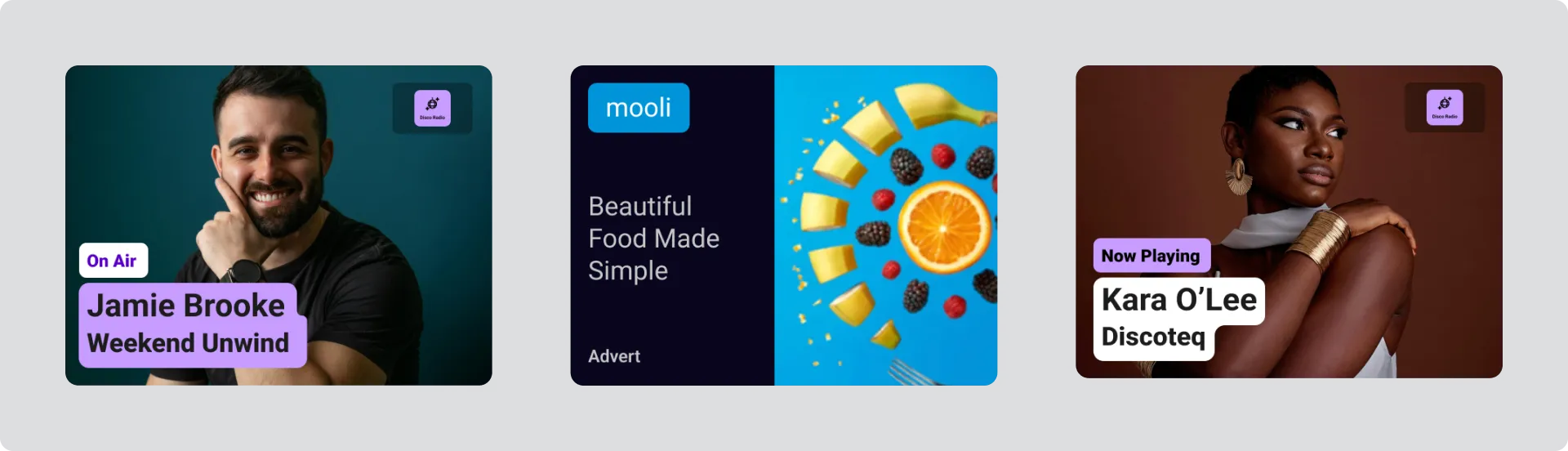
Examples of visual information include: programme information, advert and now playing album artwork.
When a station is providing visual information you should:
Section titled “When a station is providing visual information you should:”- Display it automatically, without the driver needing to do anything
- Show the full image without cropping
- You can scale the image up, but never change the aspect ratio
- Display it large enough to be legible while driving. Visuals are designed to be readable at a physical size of at least 7cm in each dimension
- Display it at the correct time (see Updating Visual Information below)
Landscape or cannonical interfaces
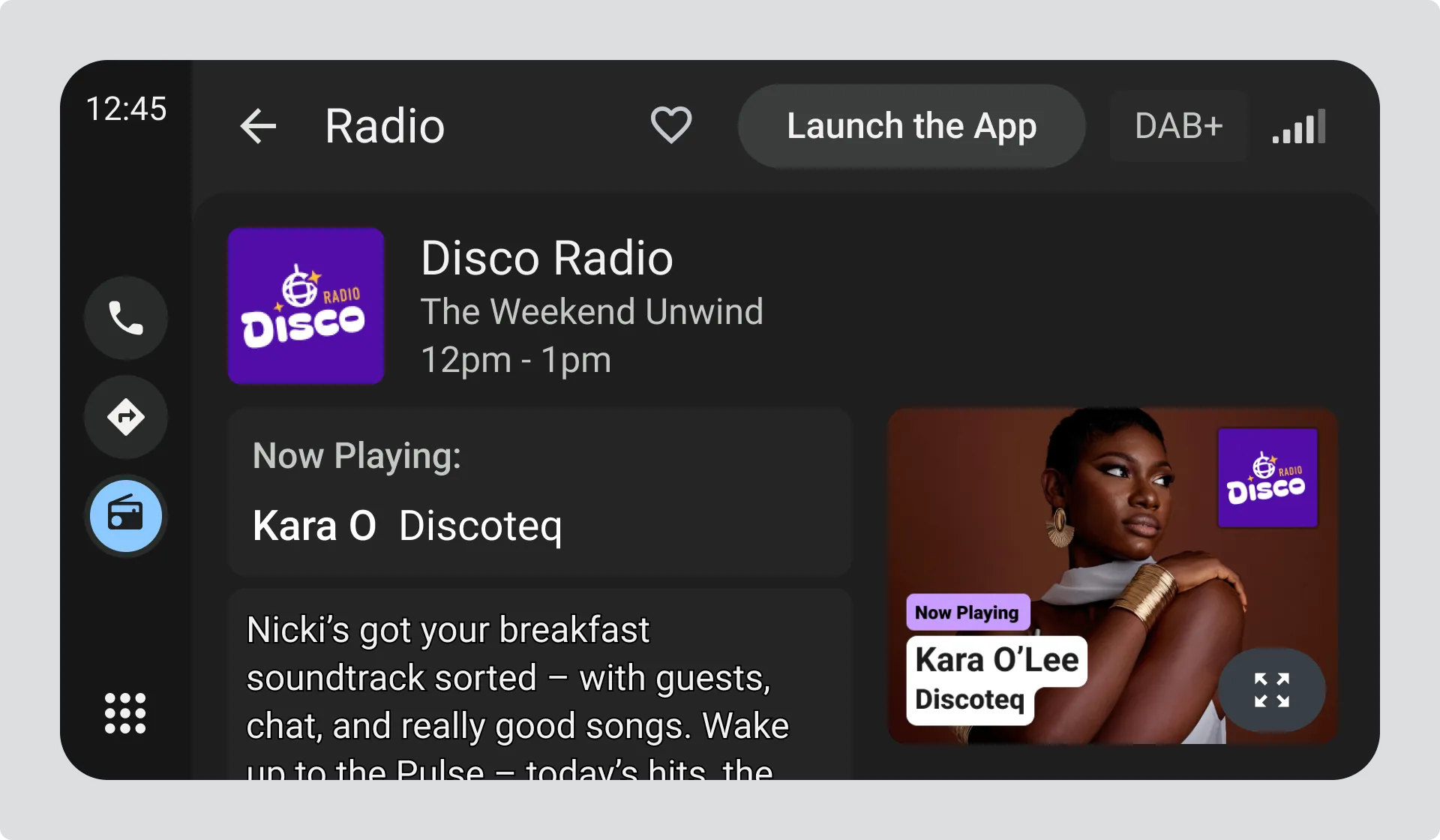
Section titled “Landscape or cannonical interfaces”Cannonical or landscape interfaces display smaller visuals.
Portrait Interfaces
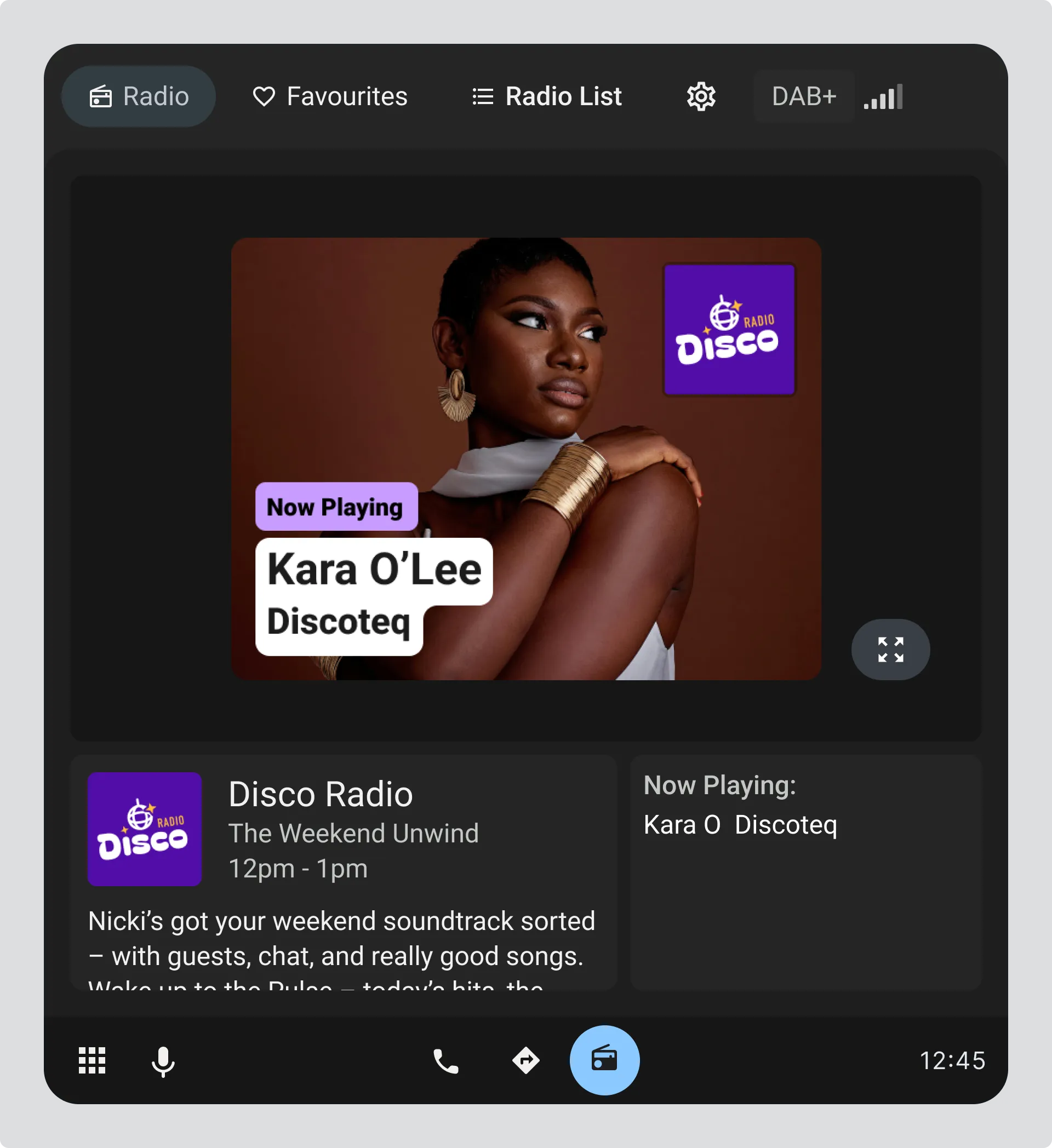
Section titled “Portrait Interfaces”Portrait interfaces allow for a larger image which must meet aspect ratio requirements and not be obscured by interface elements.
Issues with scaling images
Section titled “Issues with scaling images”Scaling up images can cut off important text and station logo information.
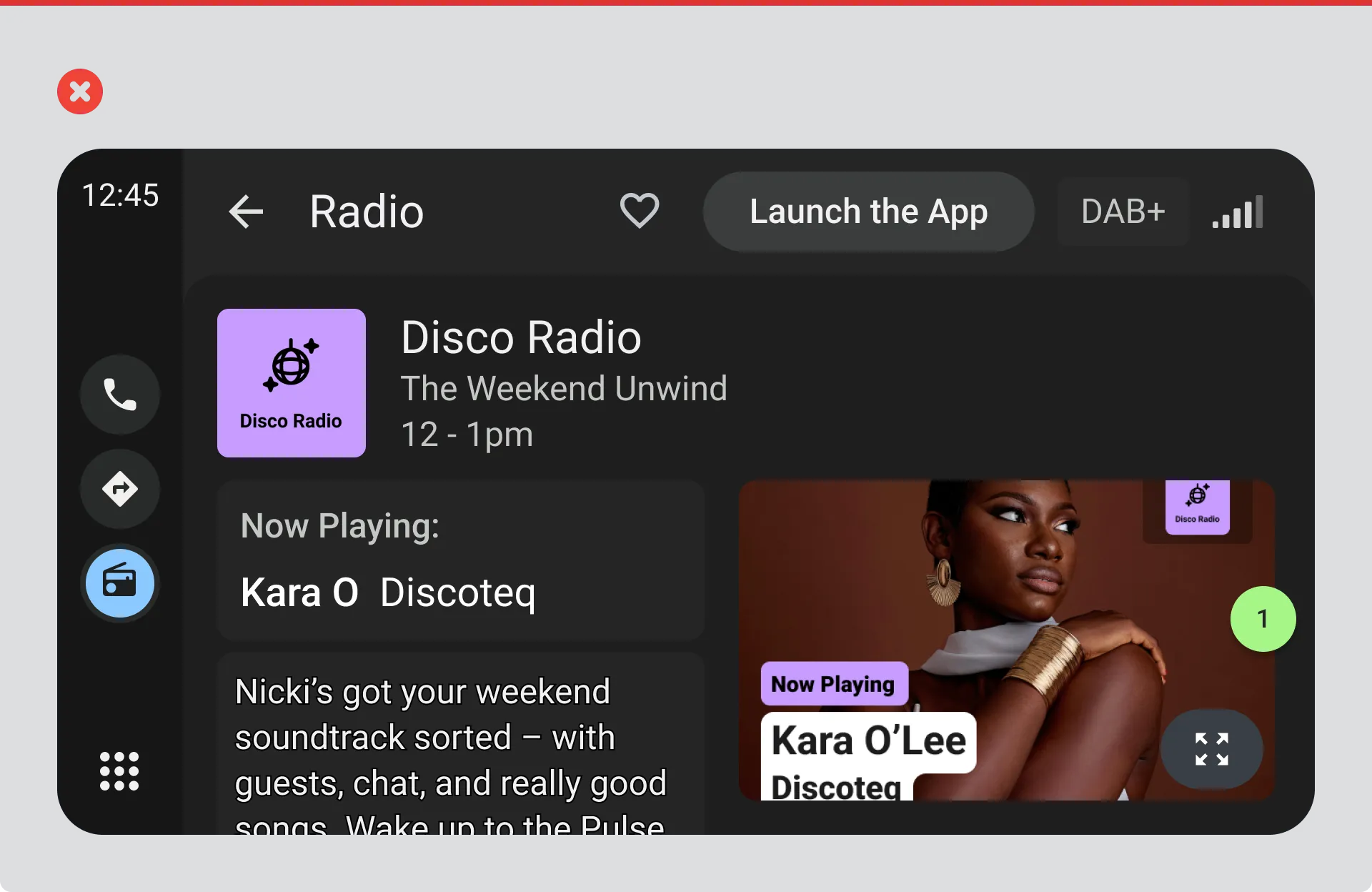
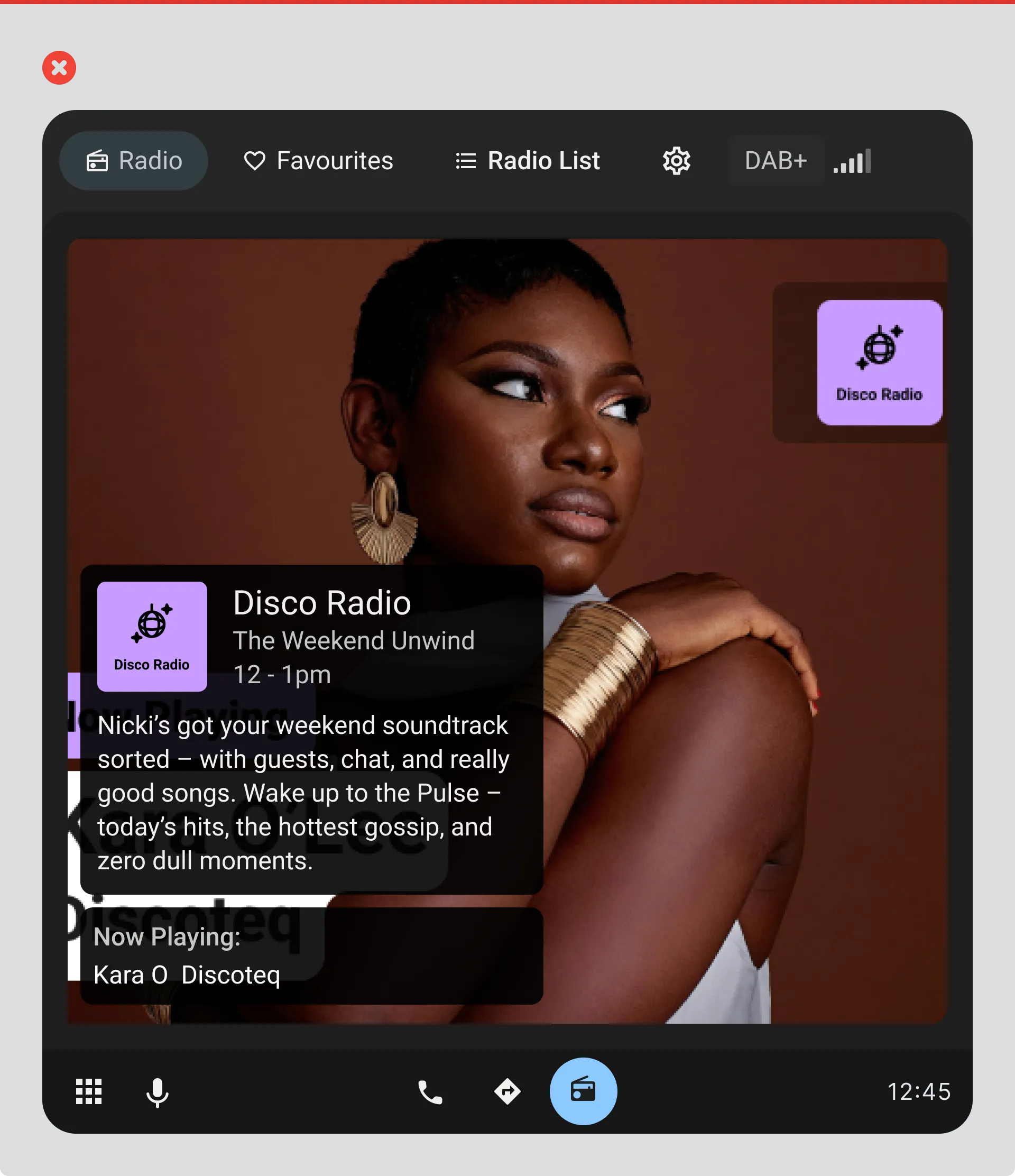
Imagery obscured by interface elements
Section titled “Imagery obscured by interface elements”Using content containers over the image can obscure the key information in the image.
When there isn’t enough space
Section titled “When there isn’t enough space”If your interface doesn’t have enough room to display visuals at the right size, provide a clear option to expand the view, such as a thumbnail of the image combined with a recognisable “expand” or “enlarge” icon.
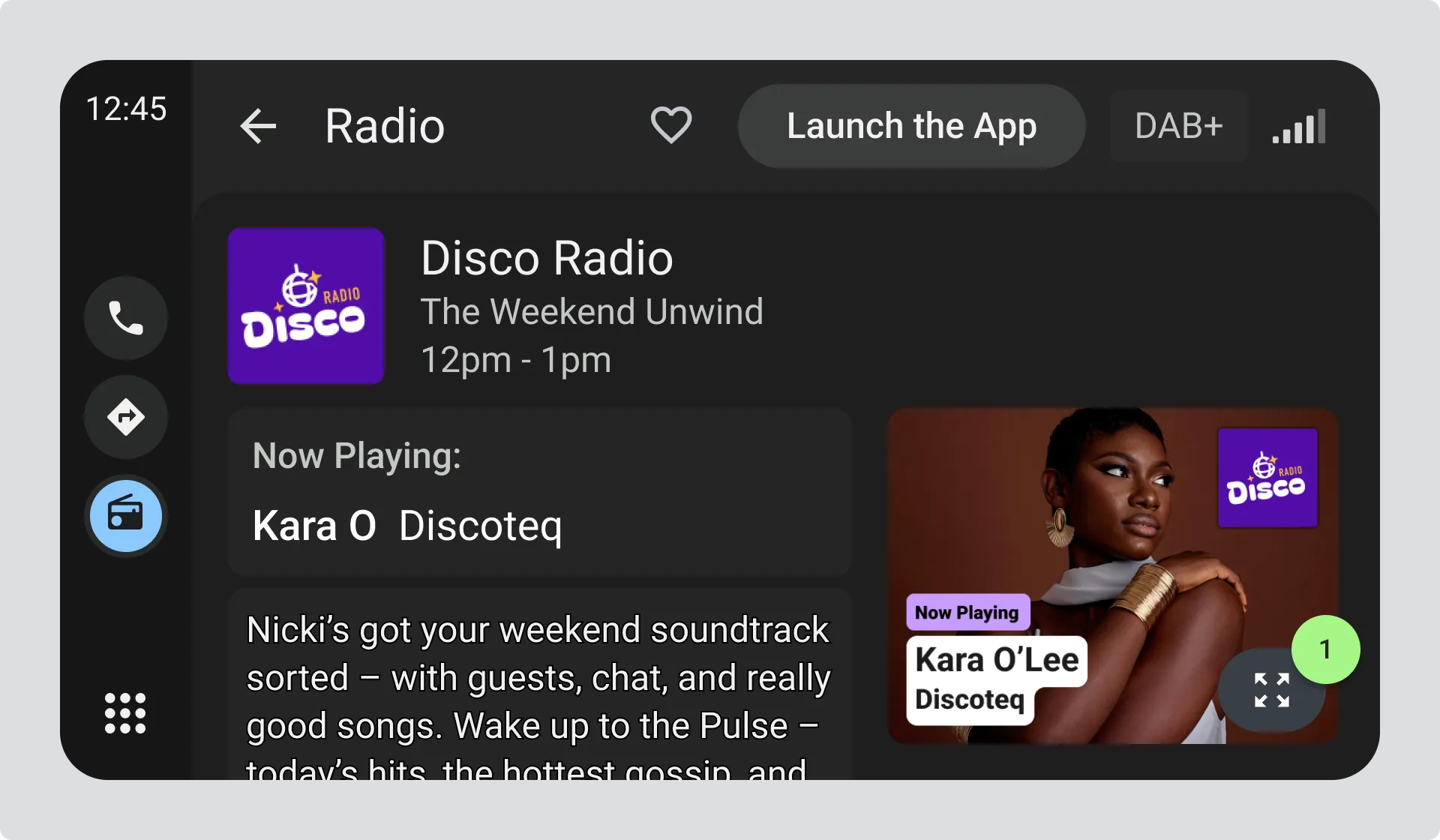
- Drivers can press the expand icon within the thumbnail.
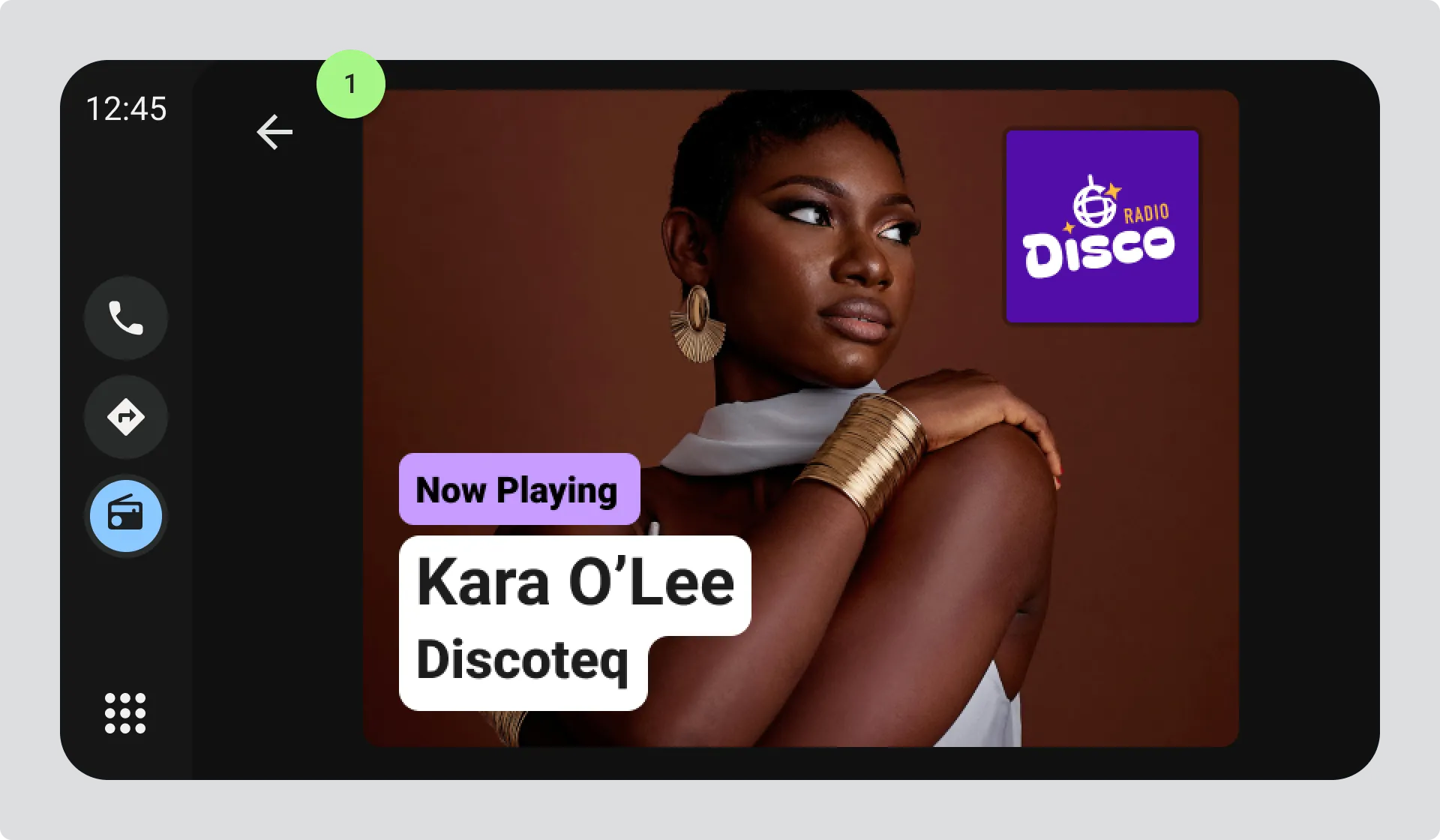
- Expanded view shows the full image with a clear back option to return the driver to the radio home screen.
Image sizes to design for
Section titled “Image sizes to design for”DAB radio
The most common image size is 320px x 240px. Make sure your design handles this size well.
IP radio
You can request visuals in different dimensions. The image you receive will fit within the dimensions you specify, but may not fill the entire space.
Adjusting image brightness
Section titled “Adjusting image brightness”If your interface changes brightness in response to driving conditions (for example switching to dark mode at night), apply brightness changes consistently to visual information too. Reduce the overall brightness of the image uniformly. Do not selectively recolour or adjust individual elements or colour channels.
When there’s no visual information available
Section titled “When there’s no visual information available”If a station isn’t providing visuals, you have a few options:
- Display the station logo in the allocated space
- Use an alternative source of visual information (see below)
- Display the Programme Information visual if available (see next section)
- Show an icon indicating that visual information isn’t available
- Remove the visual information space entirely
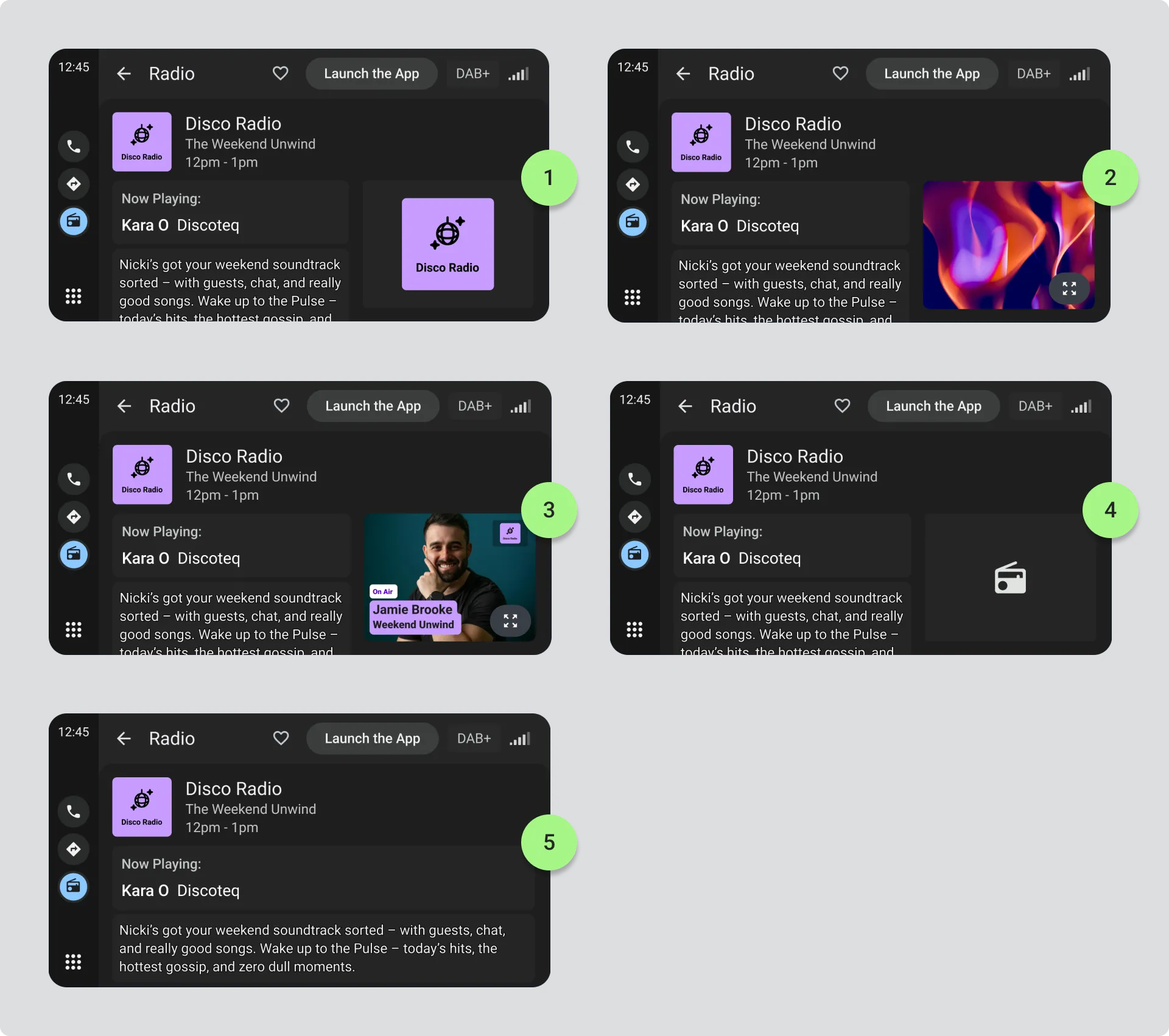
Updating visual information
Section titled “Updating visual information”See REACTING TO EVENTS, Visual Information to understand how to correctly respond to visual information updates from radio stations.
Alternative visual information sources
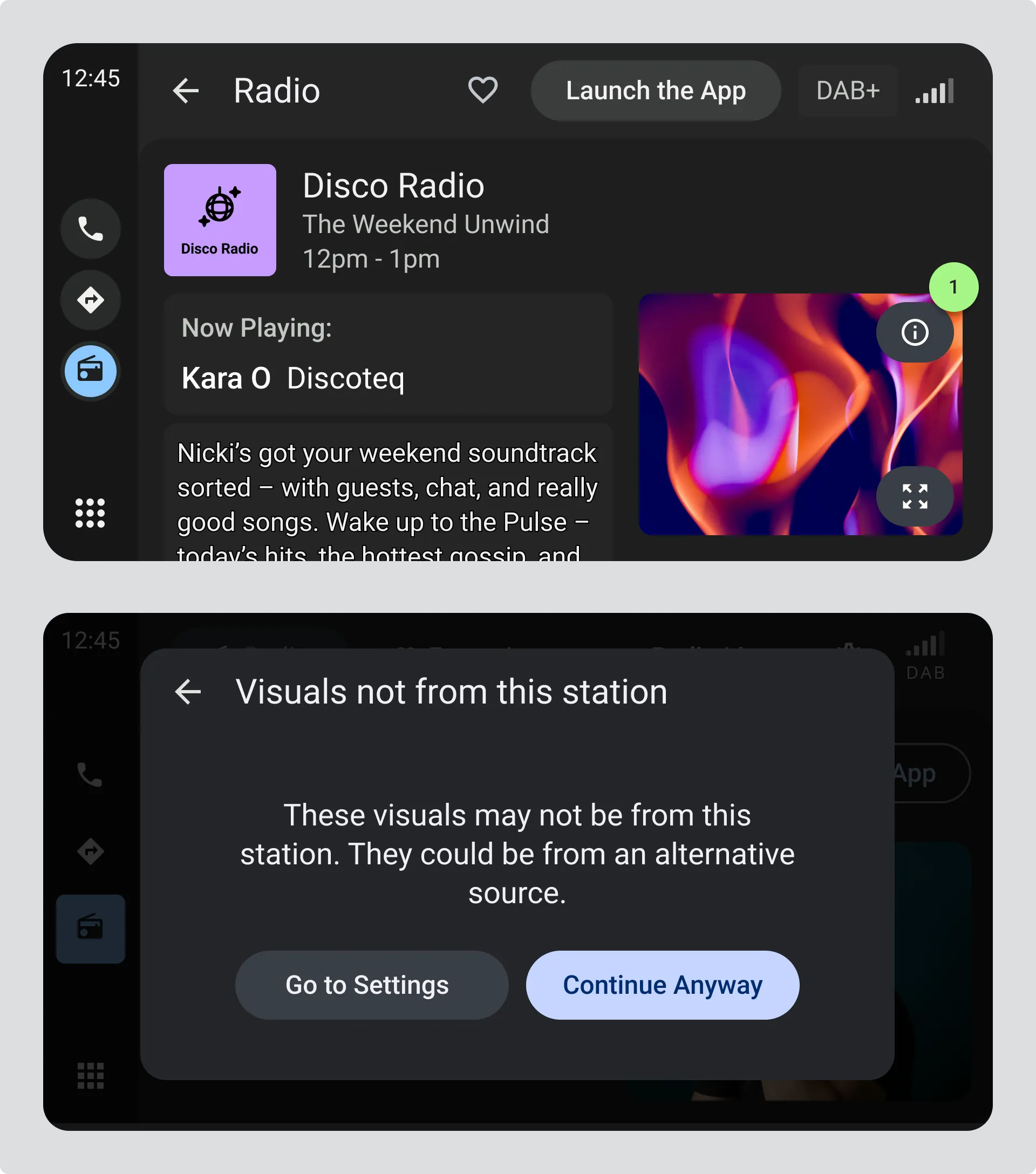
Section titled “Alternative visual information sources”If you use an alternative source of visuals when a station isn’t providing its own, you must give drivers control and be transparent about the source.
Provide a setting that lets drivers disable alternative visuals or choose to always prioritise station-provided visuals. And never let drivers think alternative visuals are coming from the radio station. Make it clear that the visuals aren’t station-provided, for example through a different attribution label or an icon that opens a dialog explaining the source.
- Information icon on image thumbnail opens a dialog.
- Dialog explains the visuals are not from the station and gives drivers access to update their settings.