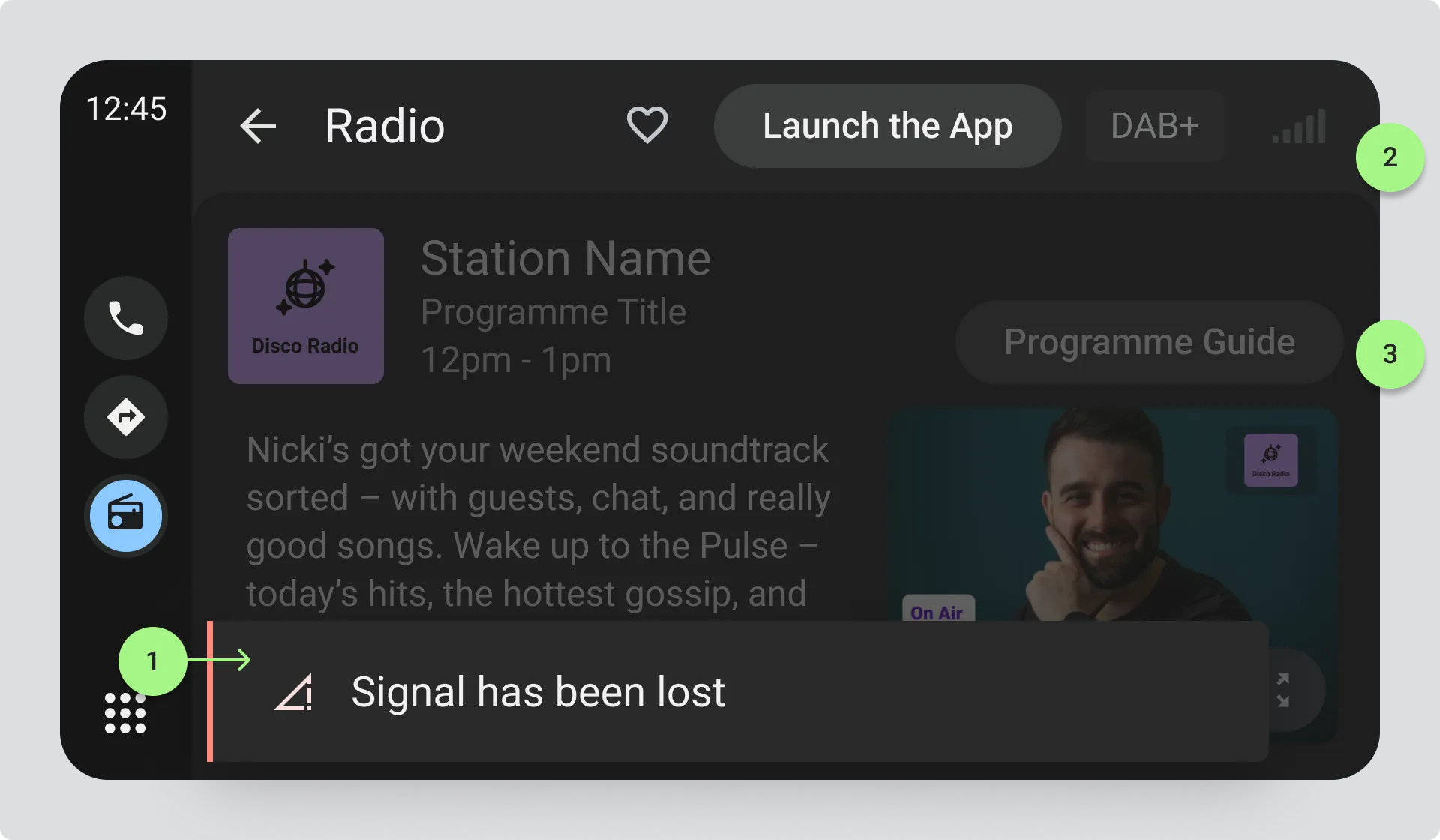
Automatic Retuning
If the radio is searching for a better signal, keep drivers informed without asking them to do anything. You should not normally prompt the driver to start automatic retuning.
Quick retuning
Section titled “Quick retuning”Some automatic retuning, usually between FM and DAB, happens almost instantly with no noticeable interruption to listening. This doesn’t need an explicit notification, but if you’re displaying the Radio Station System information, make sure it updates to reflect the switch between FM and DAB.
Slower retuning
Section titled “Slower retuning”If retuning takes longer and listening is interrupted, reassure the driver that something is happening. Use clear, plain language and appropriate visuals. You may also provide a cancel option that stops the retuning process.
Toast “Searching for a better signal”
Section titled “Toast “Searching for a better signal””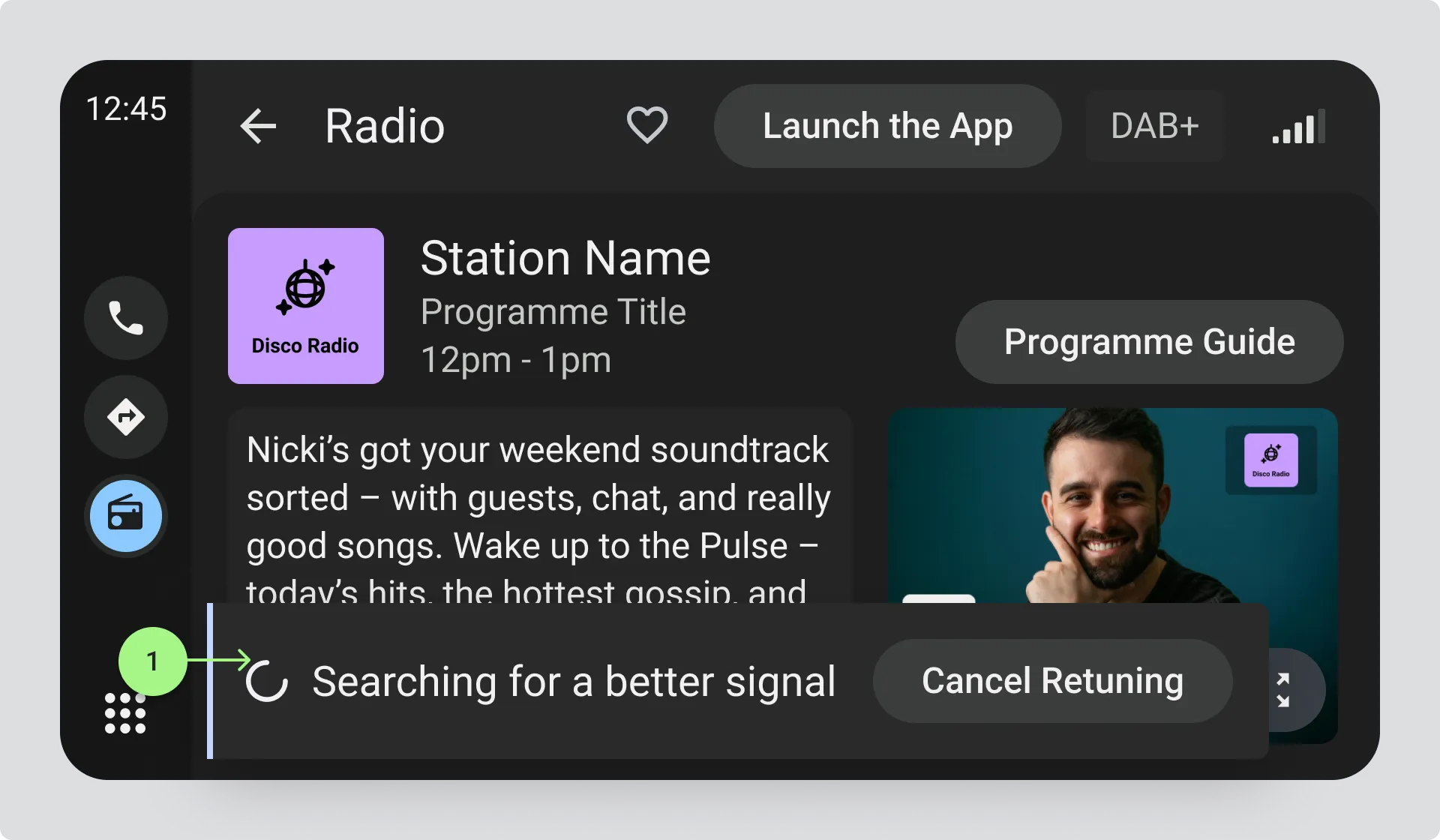
- An animated icon like a spinner
A percentage indicator
Section titled “A percentage indicator”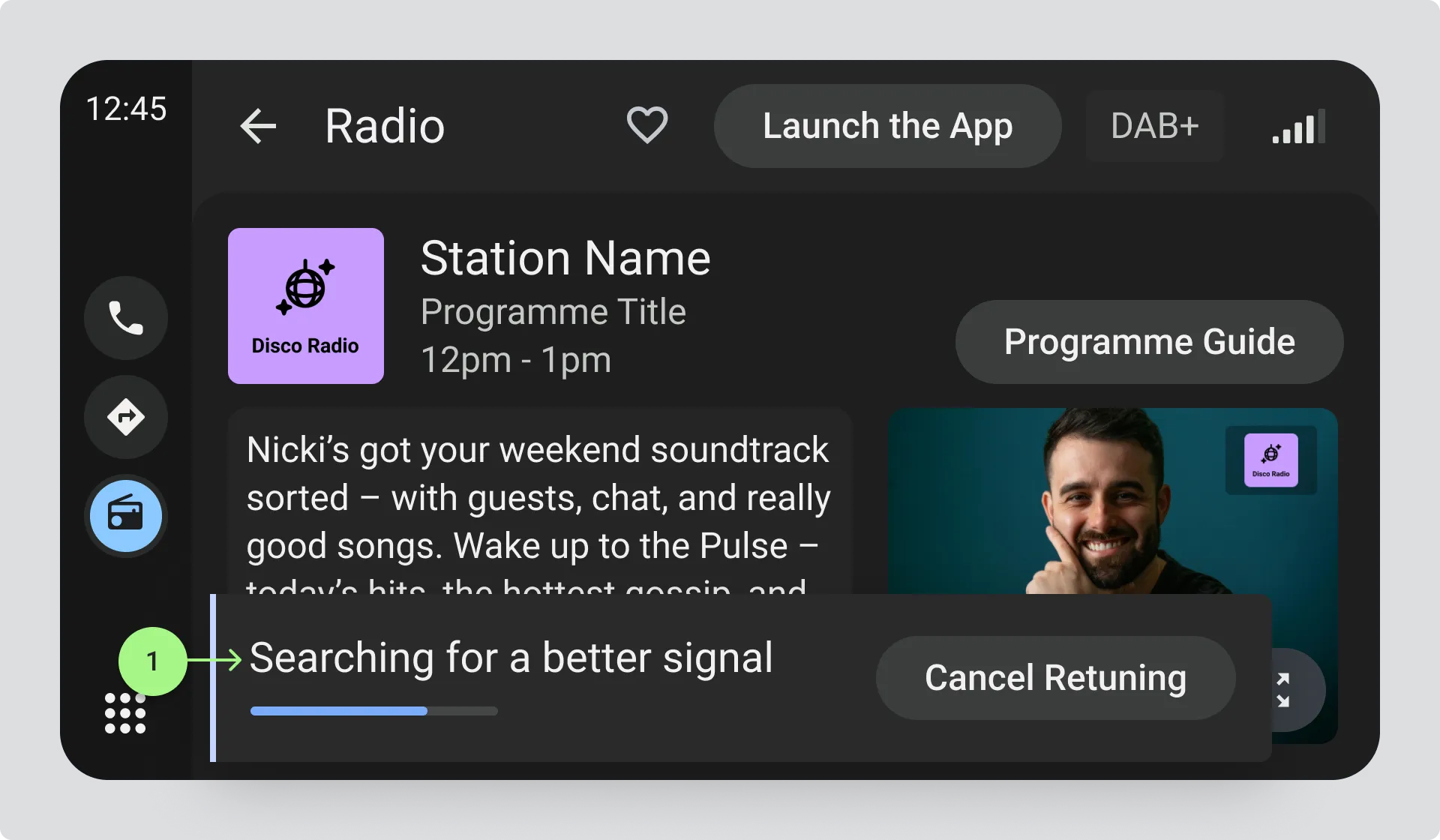
- If you can provide accurate progress information
Successful retuning
Section titled “Successful retuning”If retuning is successful, update the station information as if the driver had selected the new station from the station list. This includes the station name, logo, and all associated content and metadata. You may need to wait for new text and visual information to come through before the display is fully updated.
DAB to FM following
Section titled “DAB to FM following”When switching from DAB to FM for the same radio station, don’t immediately remove the station information, text information, or visual information. Allow a reasonable persistence period to give the signal a chance to switch back to DAB.
After that period, assume the DAB information is out of date and remove it.
Unsuccessful retuning
Section titled “Unsuccessful retuning”If no alternative signal can be found, use the Signal Loss state to let the driver know that the current station is unavailable.