

Announcements
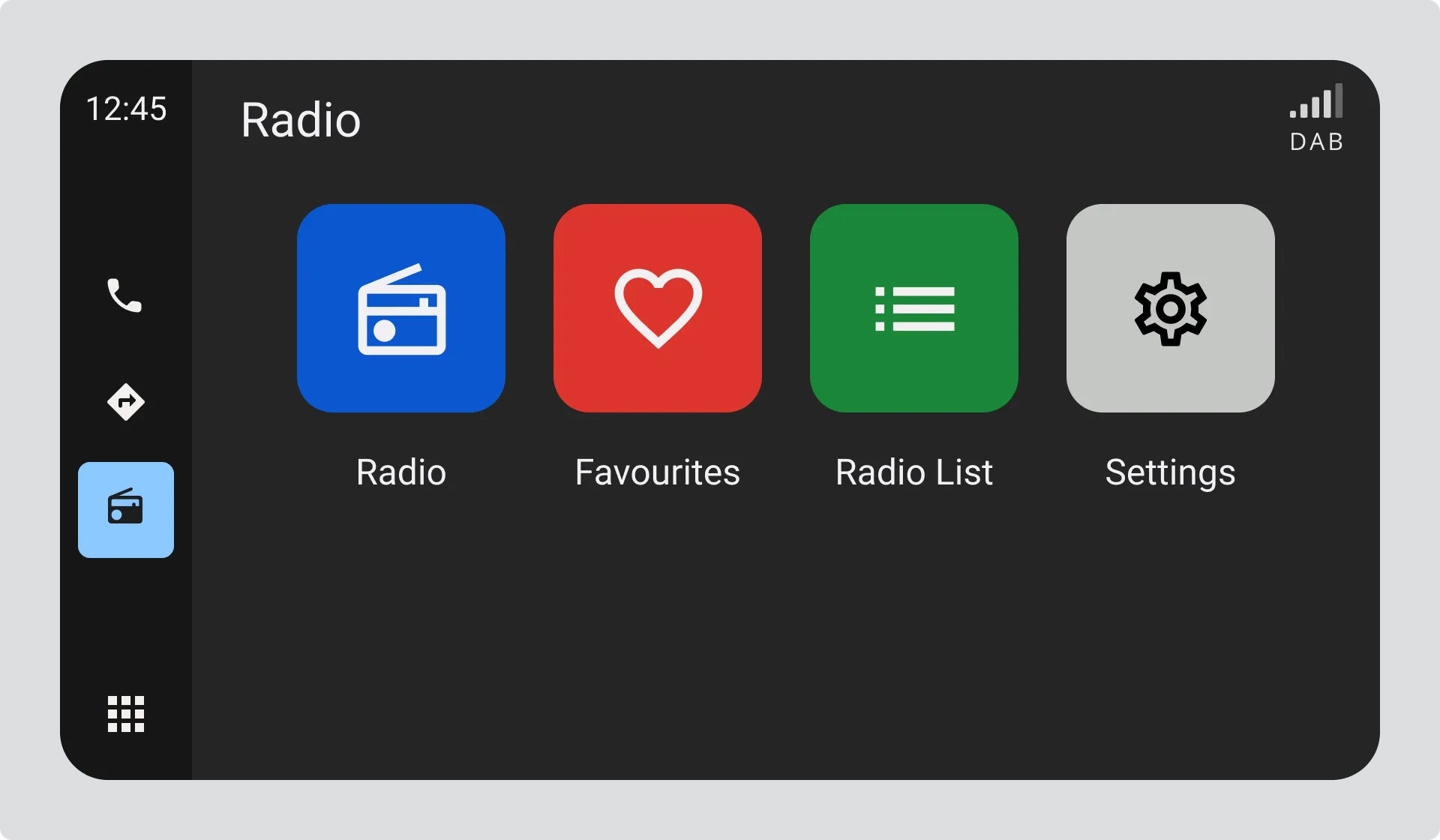
Help users understand the options available to them to configure their radio experience.
You can provide access to configurable options by
- Using a recognisable settings or options icon from the radio functionality views
- A “Radio” option within a general settings / options view
Avoid using technical terms or language to describe the functionality.
Announcements
Section titled “Announcements”Radio stations can provide important information through Announcements. The most common announcements are about Traffic (Road) information. These announcements can interrupt any kind of listening, even if the user is listening to something other than radio (e.g. a Bluetooth source or another media app).
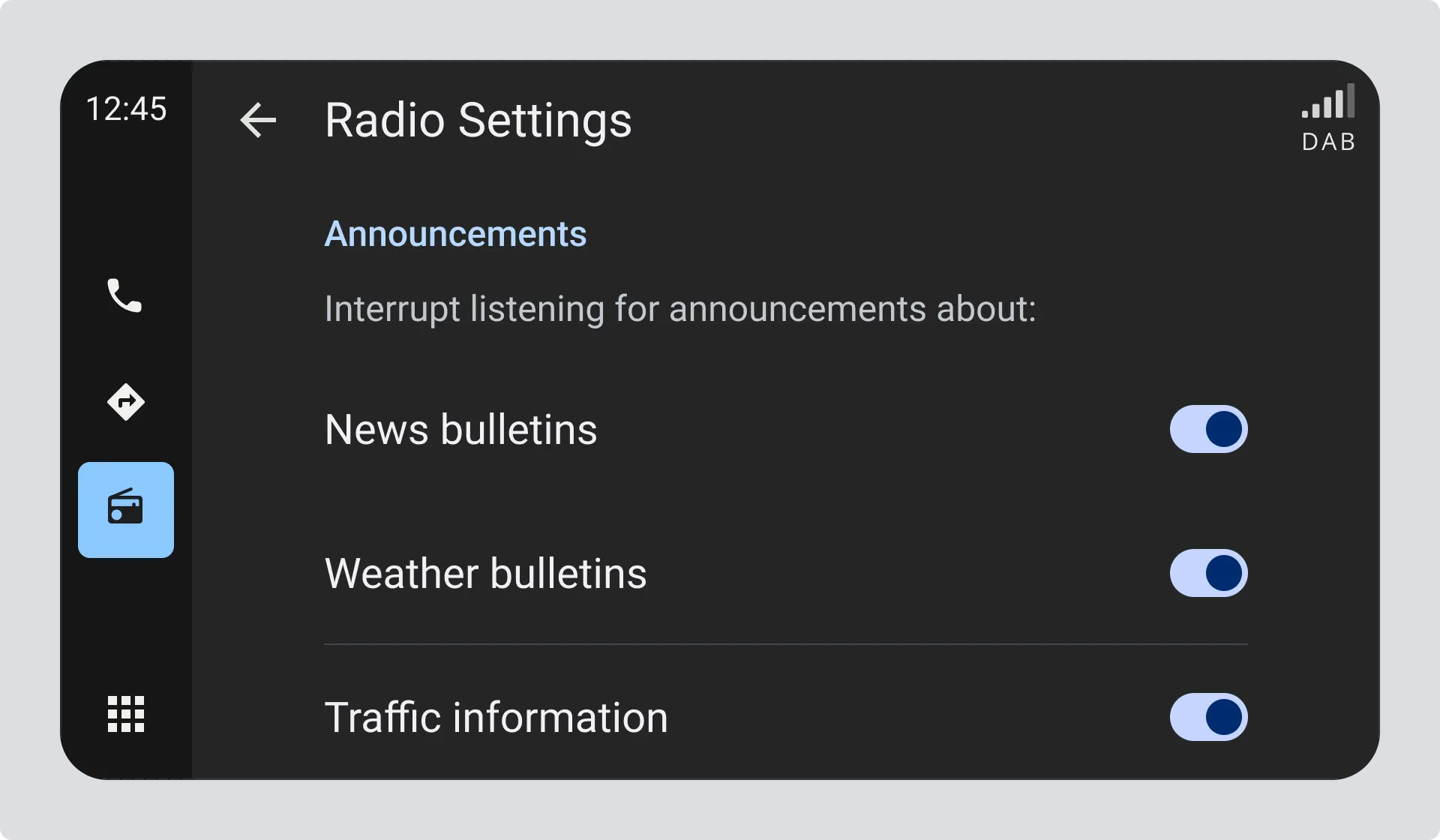
There are a number of Announcements defined - you should allow listeners to simply choose through means of an “on/off” switch if they want their listening to be interrupted by each type of announcement. Announcement types are defined in TS 101 756 section 5.9
For example:
Interrupt listening for announcements about:
- Traffic information - YES/NO
- News bulletins - YES/NO
- Weather bulletins - YES/NO
- Other information - YES/NO
Traffic and News are the Announcements most commonly supported by radio stations.
Alarm (Emergency) Announcements
Section titled “Alarm (Emergency) Announcements”Users should not usually be allowed to turn off Alarm (Emergency) Announcements.
Announcement Volume
Section titled “Announcement Volume”The user can be offered for announcements to be made at a different volume to the normal listening volume; for example, if they have the normal radio turned down low, the Announcements can be made at a higher volume.
If you provide an option for configuring the Announcement Volume, use the same volume setting method and level display as the normal listening volume.