

Station List Navigation
Radio station lists can be very long, often exceeding 150 items. Without clear navigation support, finding a station can become slow, frustrating, and distracting.
When designing and testing station lists, always validate the experience using long lists, not short or idealised examples. Patterns that work for small lists often fail once scrolling becomes excessive.
To support efficient navigation, consider the following approaches:
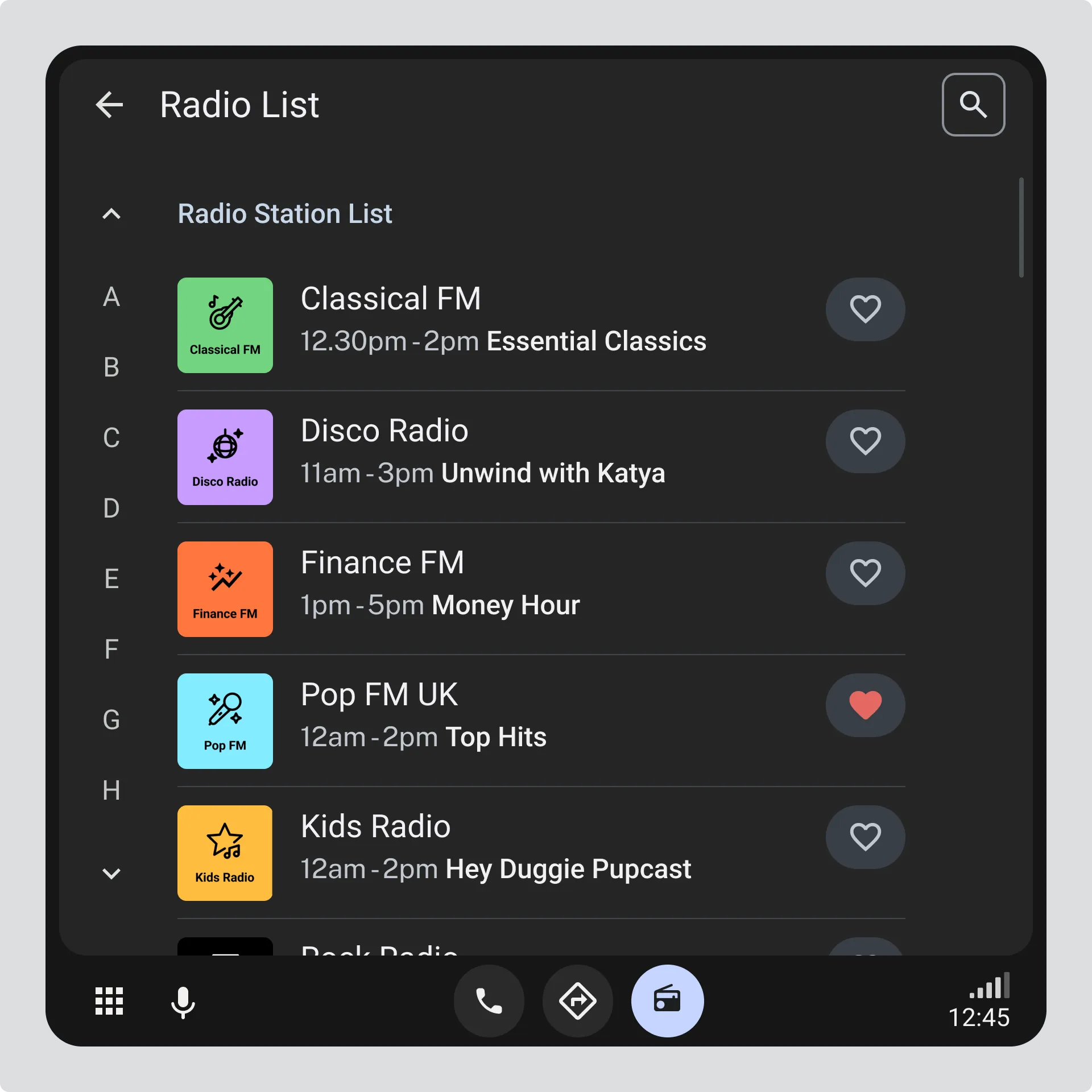
Alphabetical shortcuts
Section titled “Alphabetical shortcuts”- Provide persistent alphabetical indicators or shortcuts so users can quickly jump to a specific section of the list.
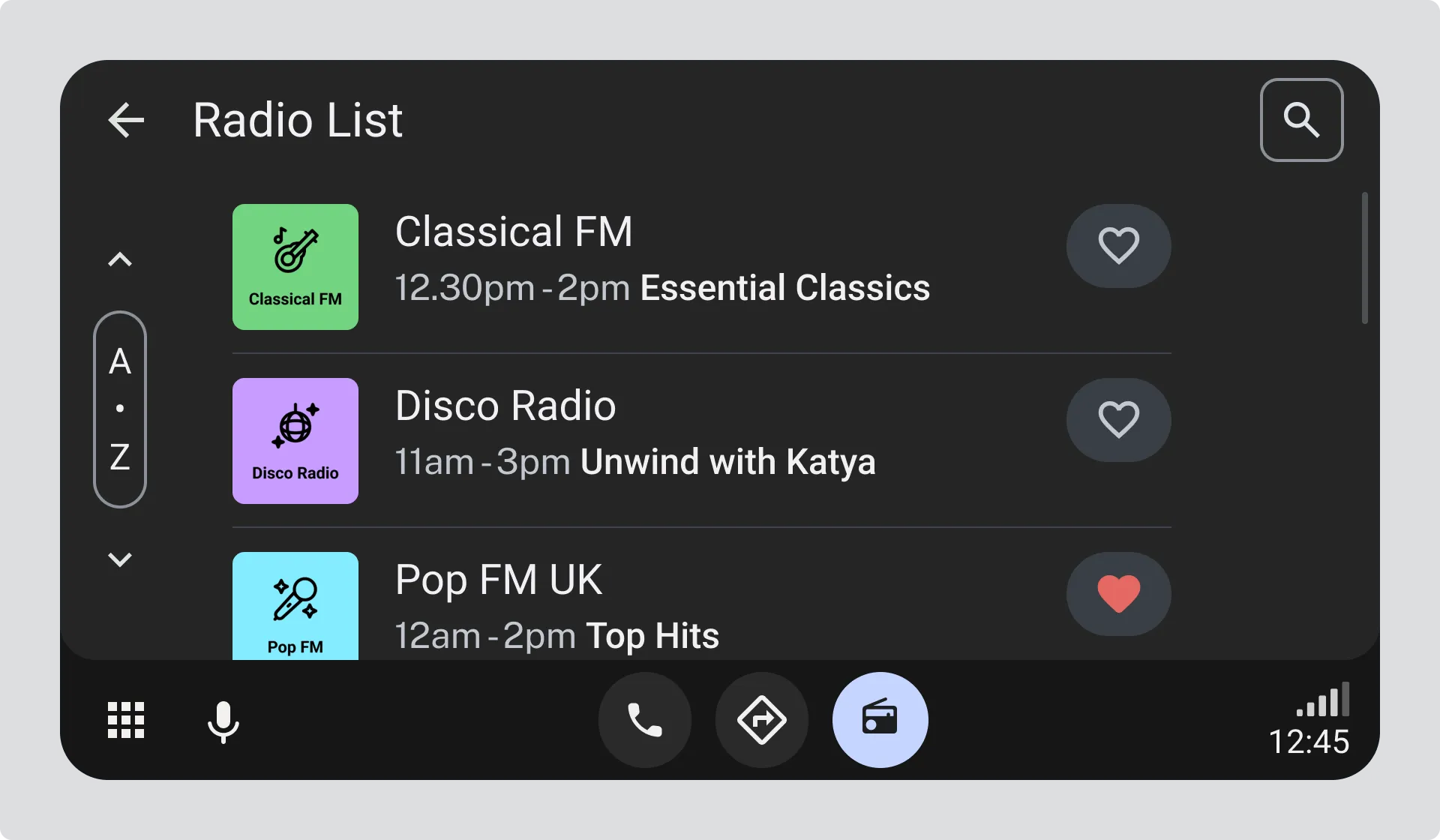
Page jump controls
Section titled “Page jump controls”- Use page or section jump controls to reduce the need for continuous scrolling through large lists.
Service deduplication
Section titled “Service deduplication”- Collapse or group identical or closely related services to reduce visual noise and shorten the list.
Filtering by Programme Type (PTy)
Section titled “Filtering by Programme Type (PTy)”Providing an option to filter the Station List by Programme Type (PTy) is not recommended. The PTy classification is outdated and does not represent current radio stations very well.
If you do provide an option to filter stations by their “type”, consider:
- Only list “types” that exist in the current Station List; don’t provide filter options that will yield a blank list
- Where available, use genre information (using the TVAnytime ContentCS) in preference to PTy
- Where necessary to shorten genre lists, use the ContentCS heirarchy to collapse genres (e.g. “Metal” and “Glam Rock” collapse into “Rock”)
- Radio stations may have one or more genres
The Appendix explains how to find genre information for radio stations.
These strategies help users find stations faster and reduce interaction effort, particularly in driving contexts where attention is limited.