

Quick Access to Radio
It’s really important for drivers to have a simple, short journey to access their radio, regardless of where they are in the HMI.
Hardware Button
Section titled “Hardware Button”The simplest access is always the safest. Include a dedicated Radio button on the console that switches the HMI context directly to the radio screen - no menus, no extra taps.
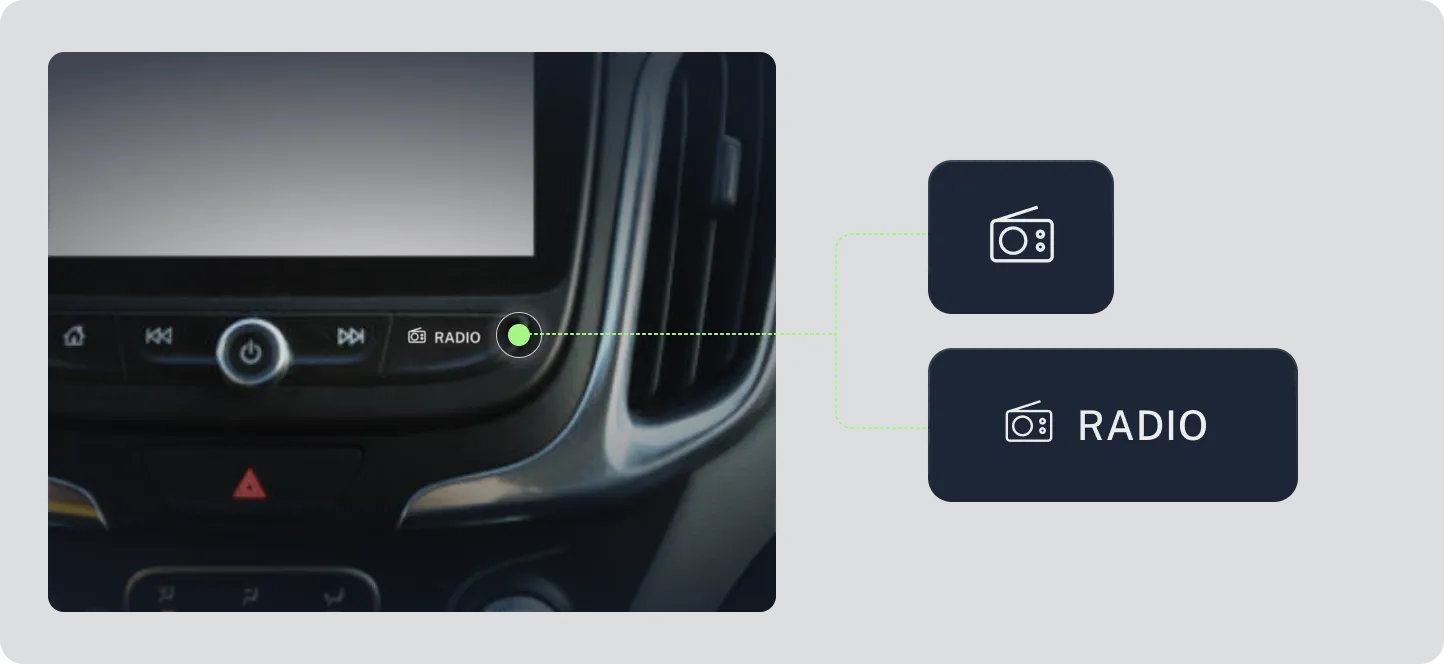
Image: Example of a physical Radio button on the console
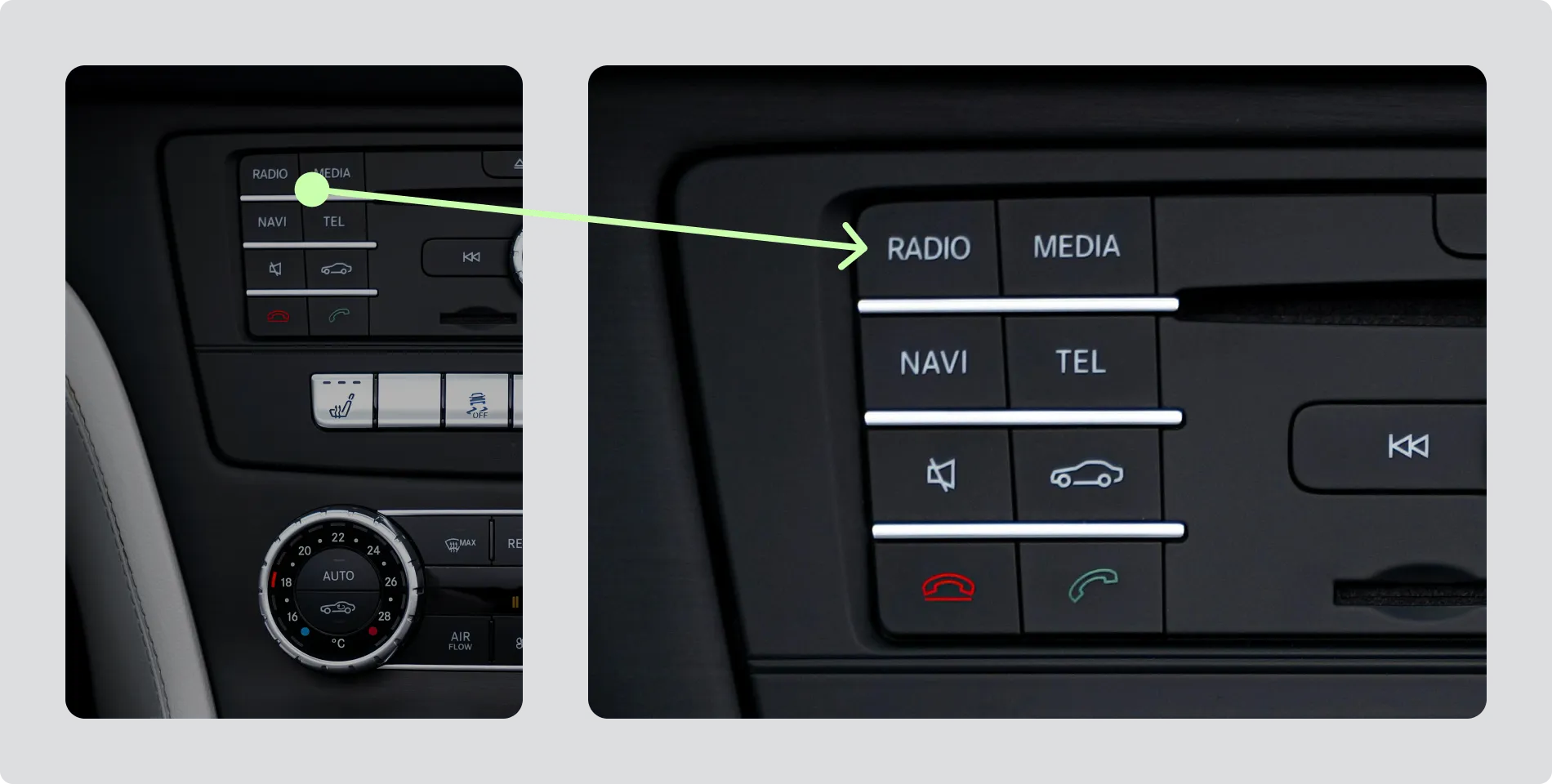
Image: Example of a physical Radio button on the console
Persistent on-screen soft key
Section titled “Persistent on-screen soft key”If it’s impossible to provide a physical button, include a clearly labelled Radio soft key that appears consistently across all screens. It should always lead directly to radio functionality.
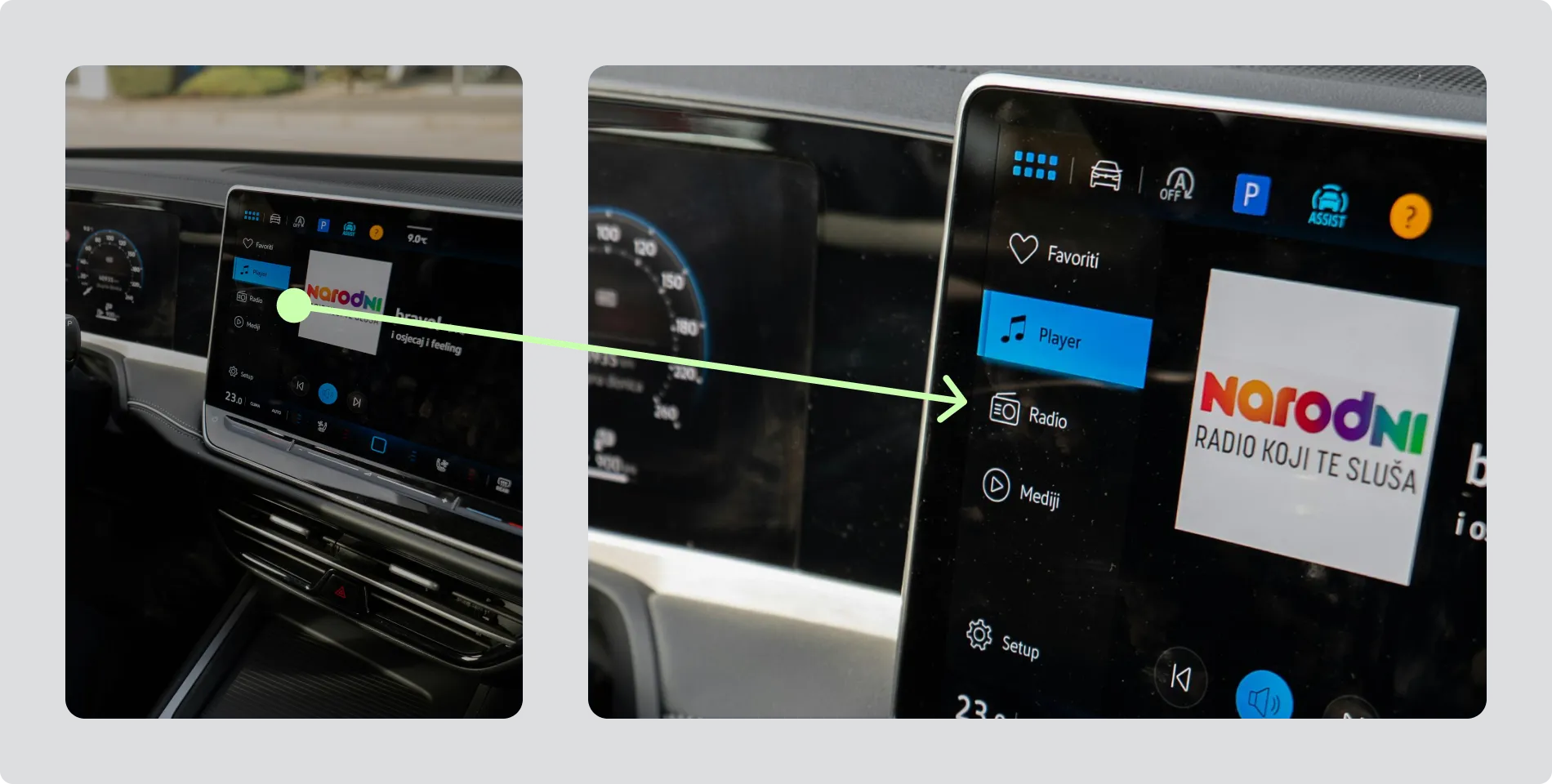
Image: Example of a persistent Radio soft key on the screen
Keep the Route to Radio Short and Familiar
Section titled “Keep the Route to Radio Short and Familiar”It is recommended that Radio is a persistent top level navigation option.
flowchart LR
    Home --> markdown[Radio]
If it’s impossible to provide top level access, make sure the path to Radio is clear and intuitive, and no more than two actions.
flowchart LR
    Home --> Media --> markdown[Radio]