

Integration with Android Auto and Apple Carplay
Drivers using projection systems such as Android Auto or Apple CarPlay need easy access to the vehicle’s radio. The switch between systems should be simple, clear, and easy to understand.
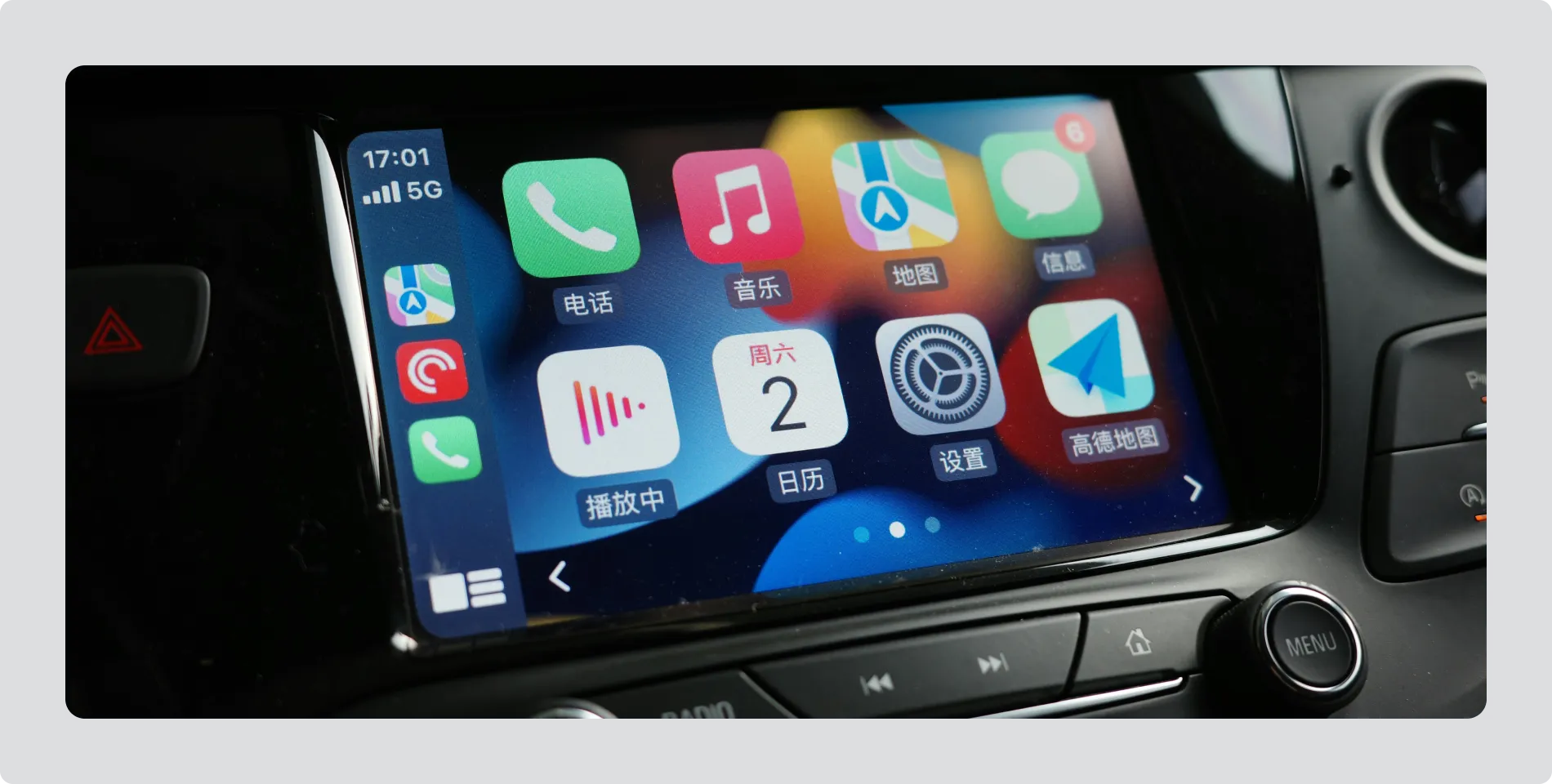
Image: Example of Apple CarPlay interface with built-in radio access
One step to radio
Section titled “One step to radio”- A physical/hard button, or a persistent soft button, should provide direct access to Radio, even when using a projection system
Easy return
Section titled “Easy return”- When Radio is active, provide a clear way to return to Android Auto or Apple CarPlay, such as a persistent soft button.
Drivers should be able to move between easily between the systems, without additional navigation steps.