Station Lists
Station lists are how drivers find and select radio stations. Station lists are getting longer, so there’s guidance on how to improve the user experience.
Presets and favourites help drivers return to stations they already listen to, but they don’t replace the need for a station list that works well when browsing.
Depending on the capability of your receiver, you may have to list radio stations using one of these two methods.
Harmonised Station List
Section titled “Harmonised Station List”Best for Users
This is usually applicable for systems with one or more radio tuners.
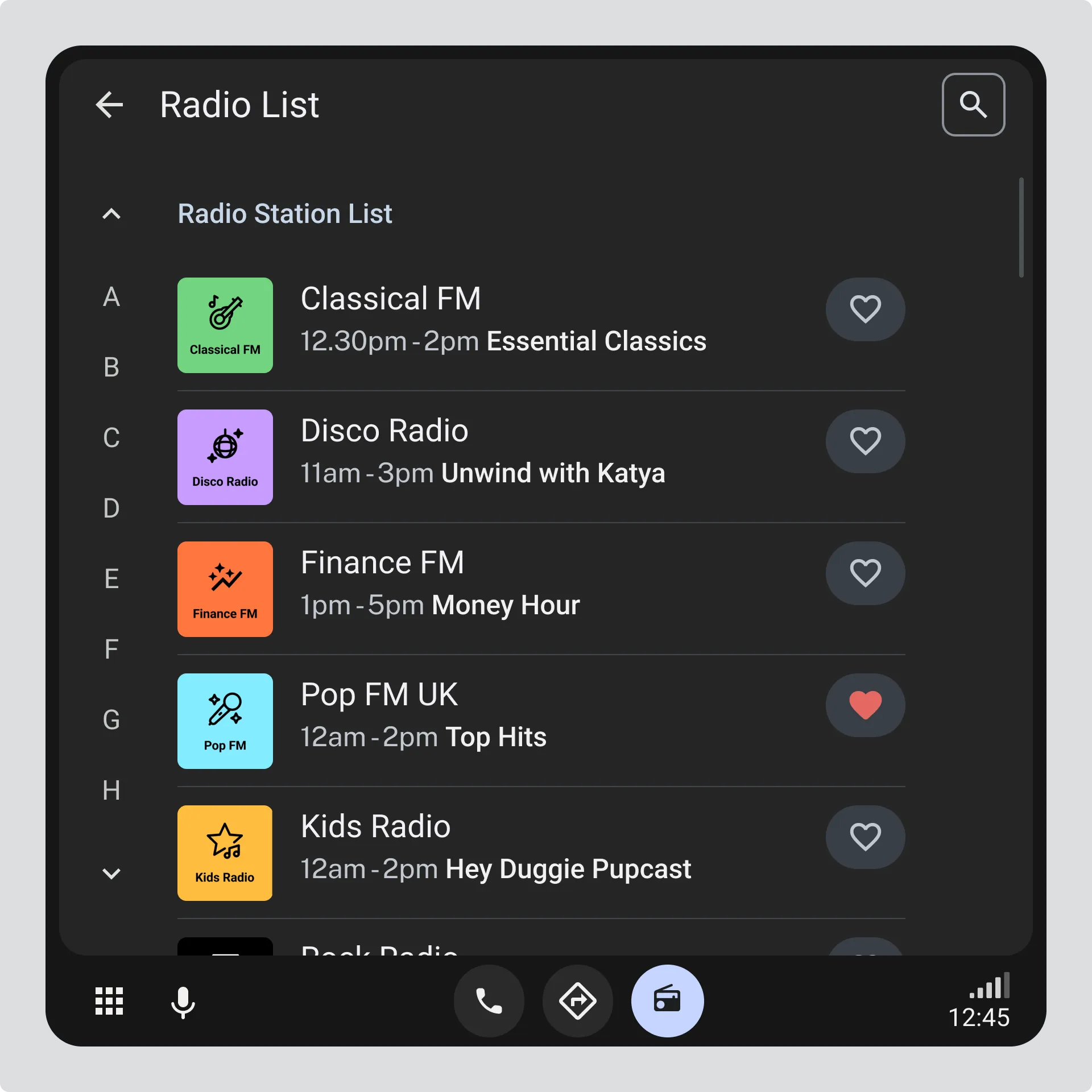
Don’t make the driver choose between FM / DAB+ / AM - merge all the available radio stations into a single list.
- Each station appears only once, even if it is available on more than one system or frequency.
- Duplicate entries caused by simulcasts or multiple frequencies are removed - see guidance on deduplication.
- Small labels may be used to show how the station is broadcast, if helpful.
- Stations are shown in a clear and predictable order - see the guidance on [station list ordering(../station-list-sorting/).
Button or Key Navigation
Section titled “Button or Key Navigation”If buttons or hard keys are used to move through the list:
- Moving down or clockwise moves down the list.
- Moving up or anticlockwise moves up the list.
Station List per System
Section titled “Station List per System”This is usually applicable where the vehicle only has a single radio tuner.
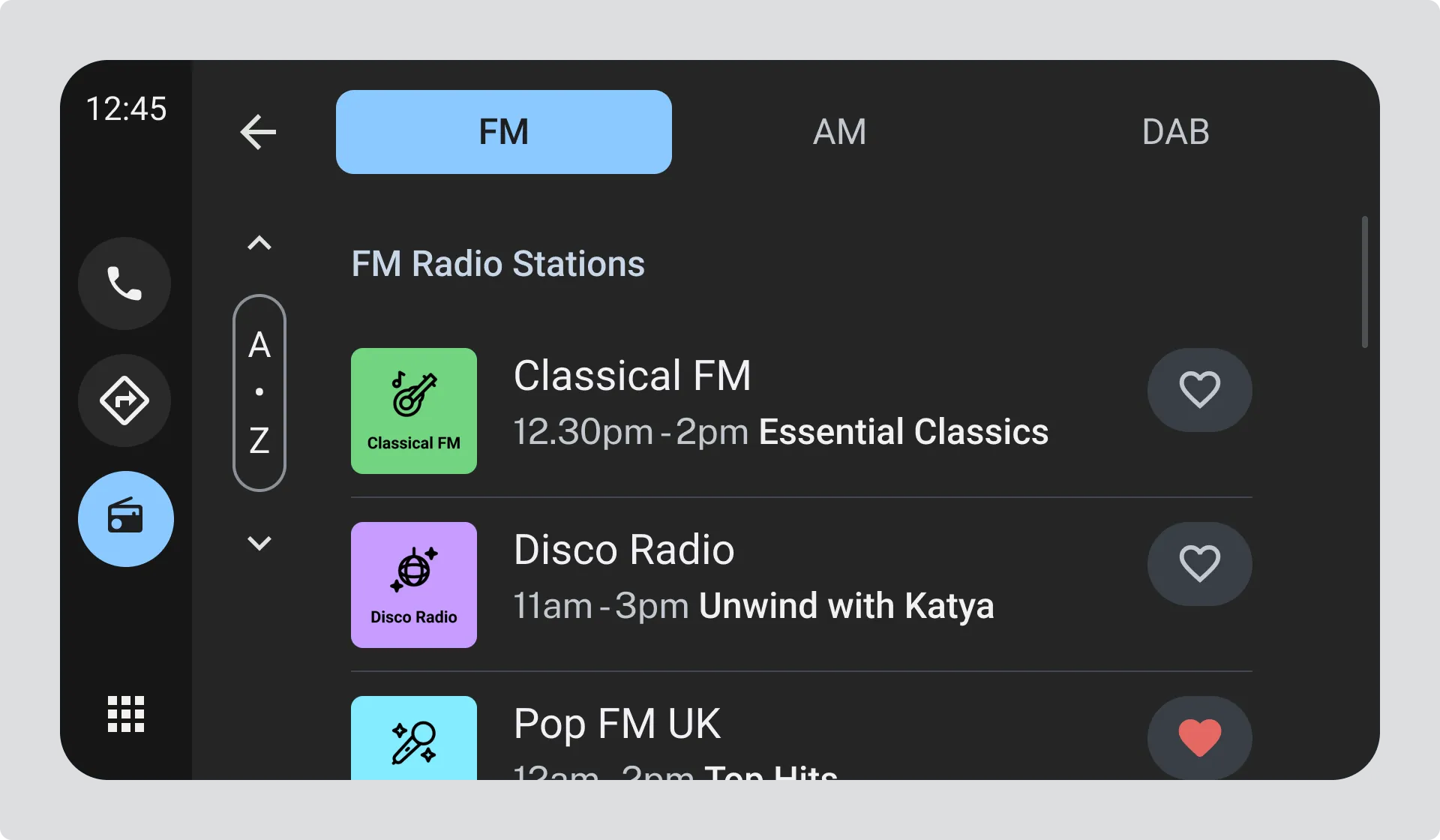
If a single combined list is not possible, stations may be shown in separate lists by system, such as FM, DAB, or AM.
- Switching between systems should be simple and obvious.
- The driver should always be able to tell which system they are viewing.
- Each system list should follow the same ordering and navigation rules as a combined list.